

What’s new in ROS 2.0
Peek, Auto Float, Later, Listen and Speed, nineteen themes, an address bar that answers, and stronger certificate checks.
ROS for iPhone and iPad doesn’t have this yet. These steps are for ROS on a Mac.
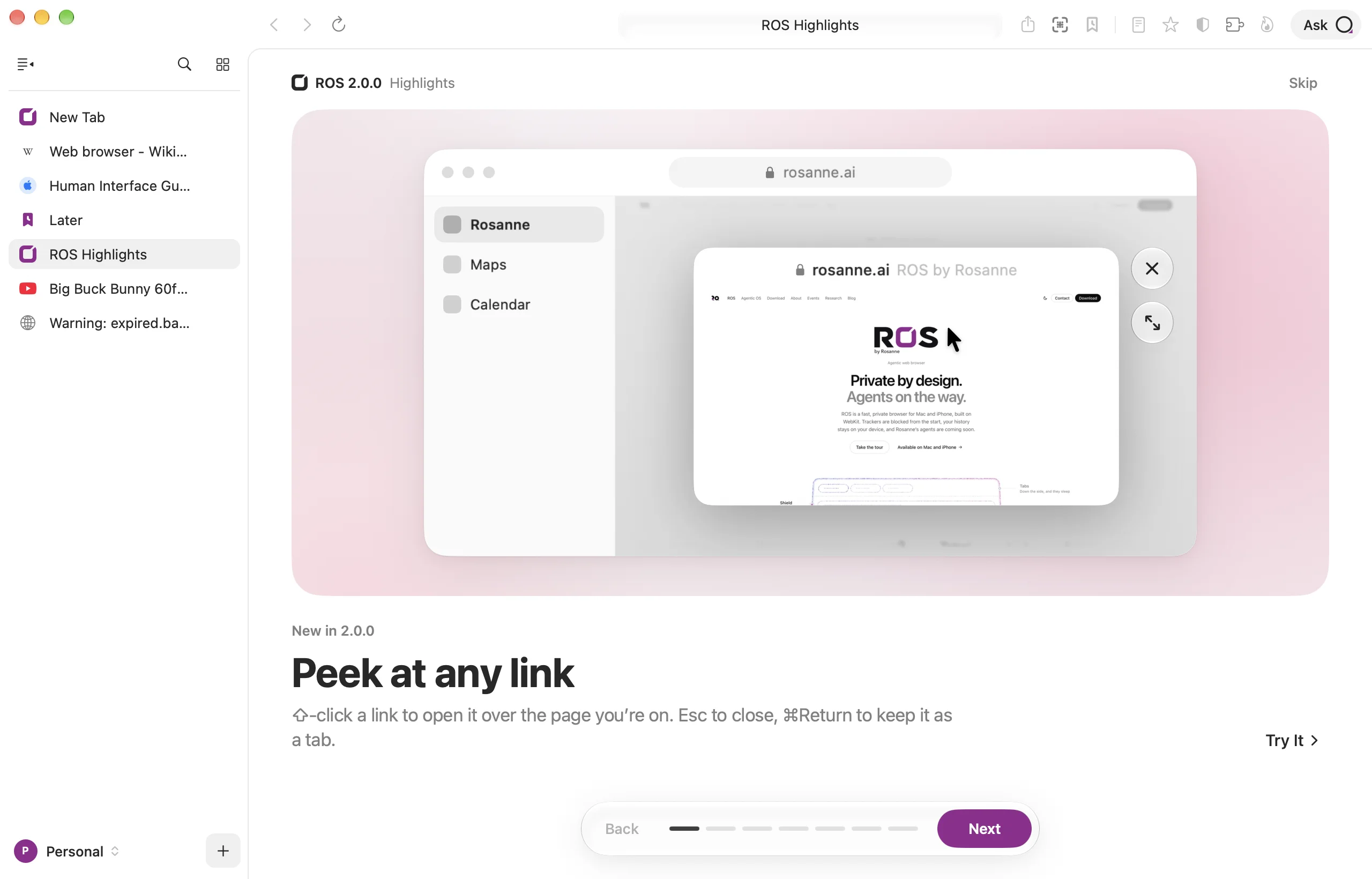
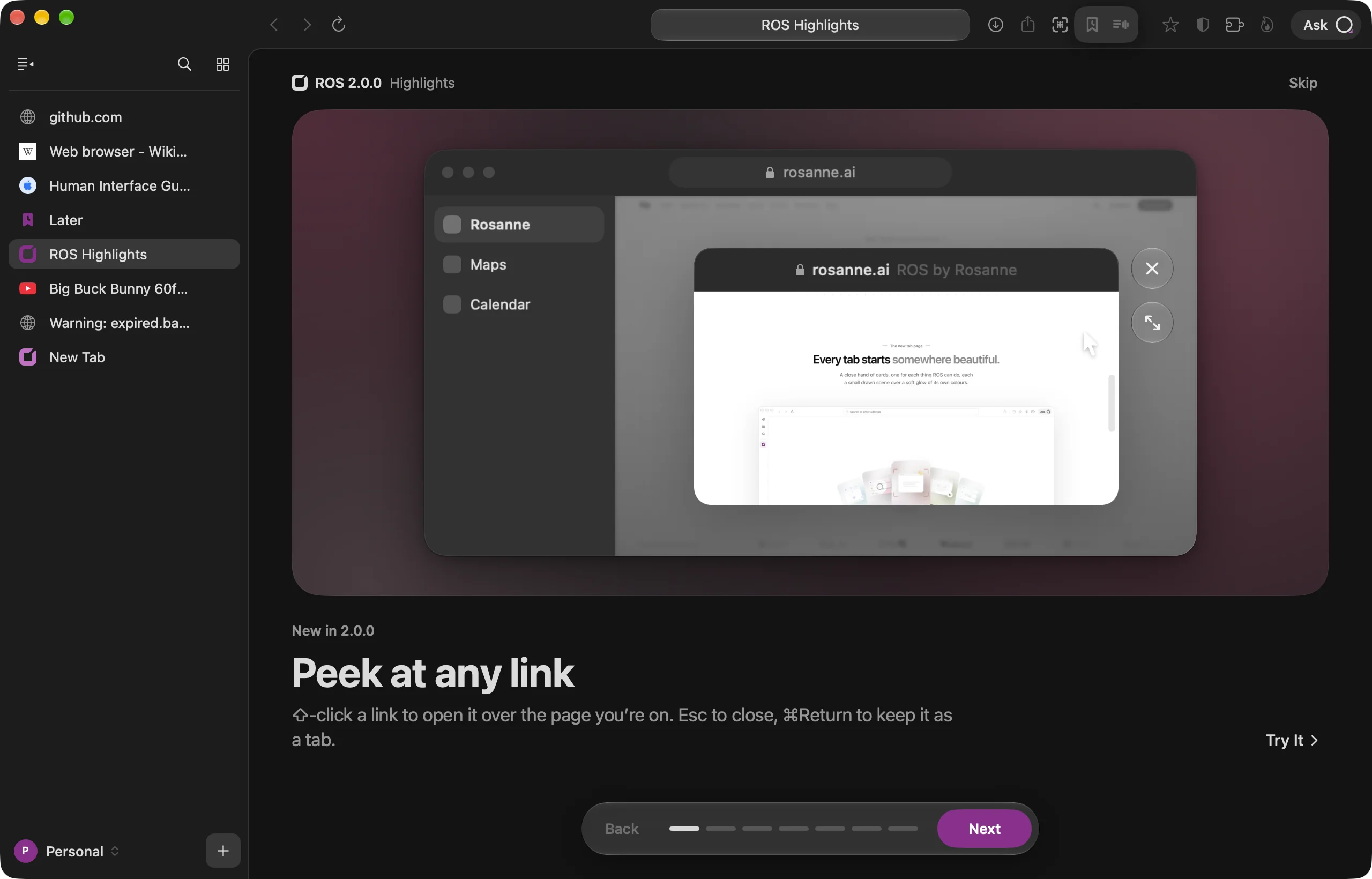
The highlights
- Peek. Shift-click a link and it opens in a card over the page you’re on. Open a link in Peek
- Auto Float. Leave a tab that’s playing a video or in a call, and it floats in a small card in a corner. Float videos with Auto Float
- Later. Save any page with Shift Command D and read it offline, with highlights. Save pages for Later
- Listen and Speed. Hear an article read aloud, and play any video at up to 3×. Listen to a page
- Themes. Nineteen themes from across Africa and the skies. Choose a theme
- An address bar that answers. Sums, conversions and the time anywhere, worked out on your Mac, and commands like “later” or “dark”. Use the address bar
- Certificate safety. ROS refuses sites whose certificates come from authorities known to be compromised. Understand certificate warnings
- Ten new extensions in the Extension Store. Add extensions
See it in ROS
After the update, ROS opens its Highlights once. To see them again, choose Help › ROS Highlights.
Every change, release by release, is in the changelog.
Was this helpful?