

Save pages for Later
Keep a page to read when you have a moment. ROS keeps a clean copy, pictures included, so it opens offline.
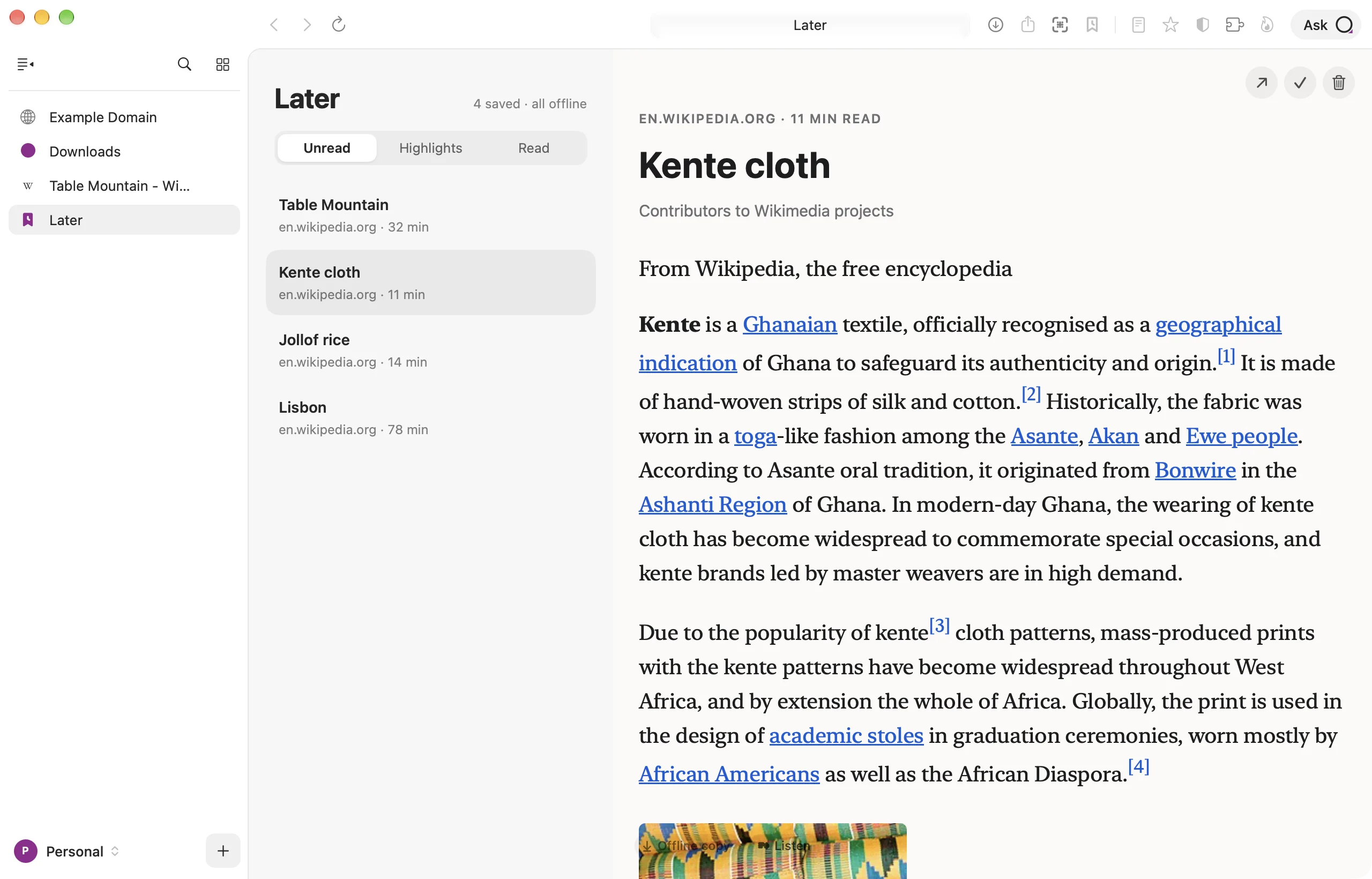
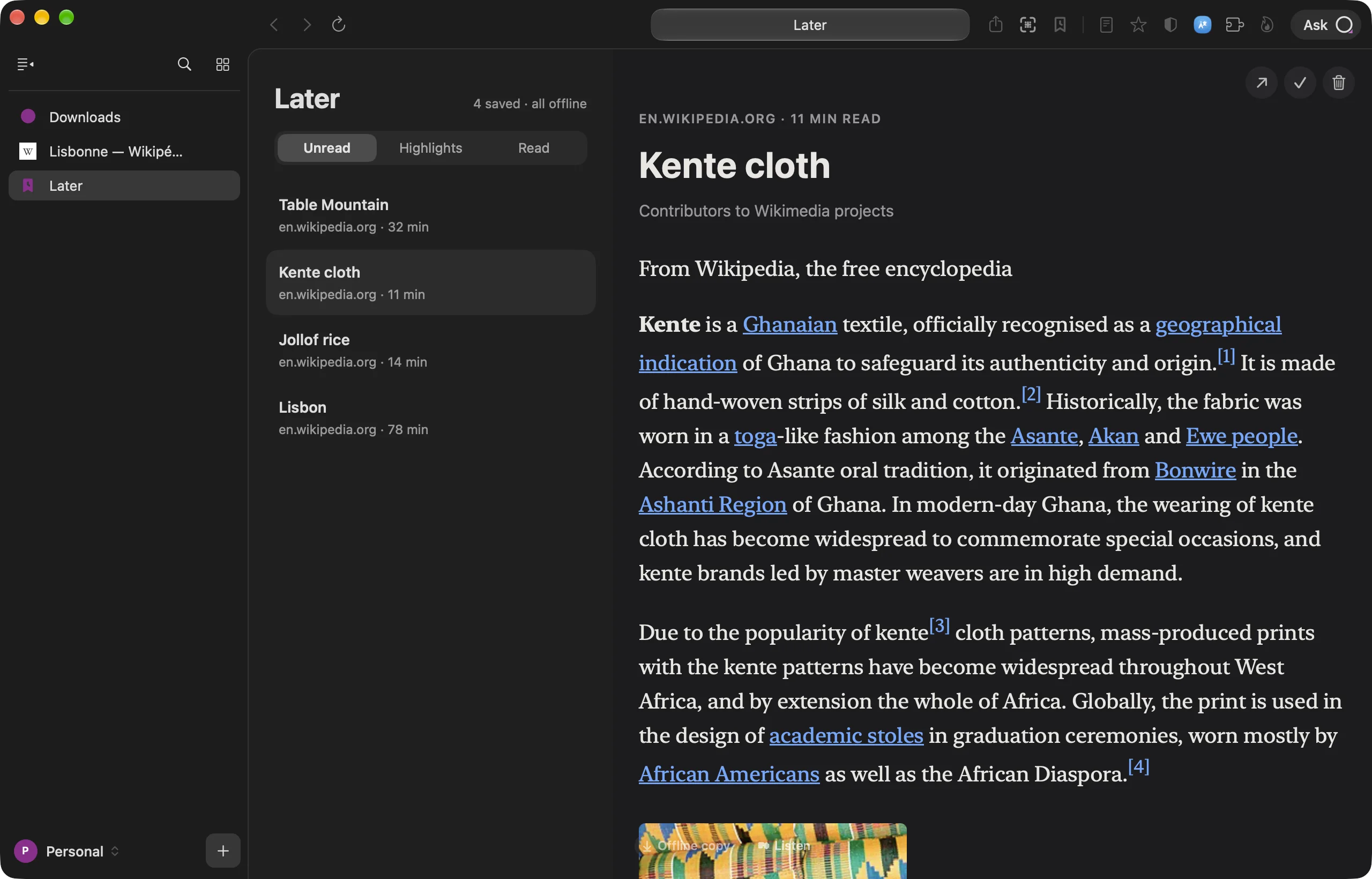
Save a page
On Mac
Press Shift Command D, click Later in the toolbar, or choose Bookmarks › Save for Later. A card confirms it and says whether it’s ready offline. Click Undo if you didn’t mean to.
On iPhone
Tap the shield at the left of the address bar, then Save for Later.
Read what you saved
On Mac
Press Shift Command L or choose View › Later. Pages wait under Unread, Highlights and Read. ROS remembers where you stopped, and a page you read to the end moves to Read.
On iPhone
In the page menu, tap Later. Swipe a page to remove it or mark it read.
Highlight words
Select words in a saved page and choose Highlight. They gather under Highlights. Click or tap a highlight to remove it.
Was this helpful?