

Save battery
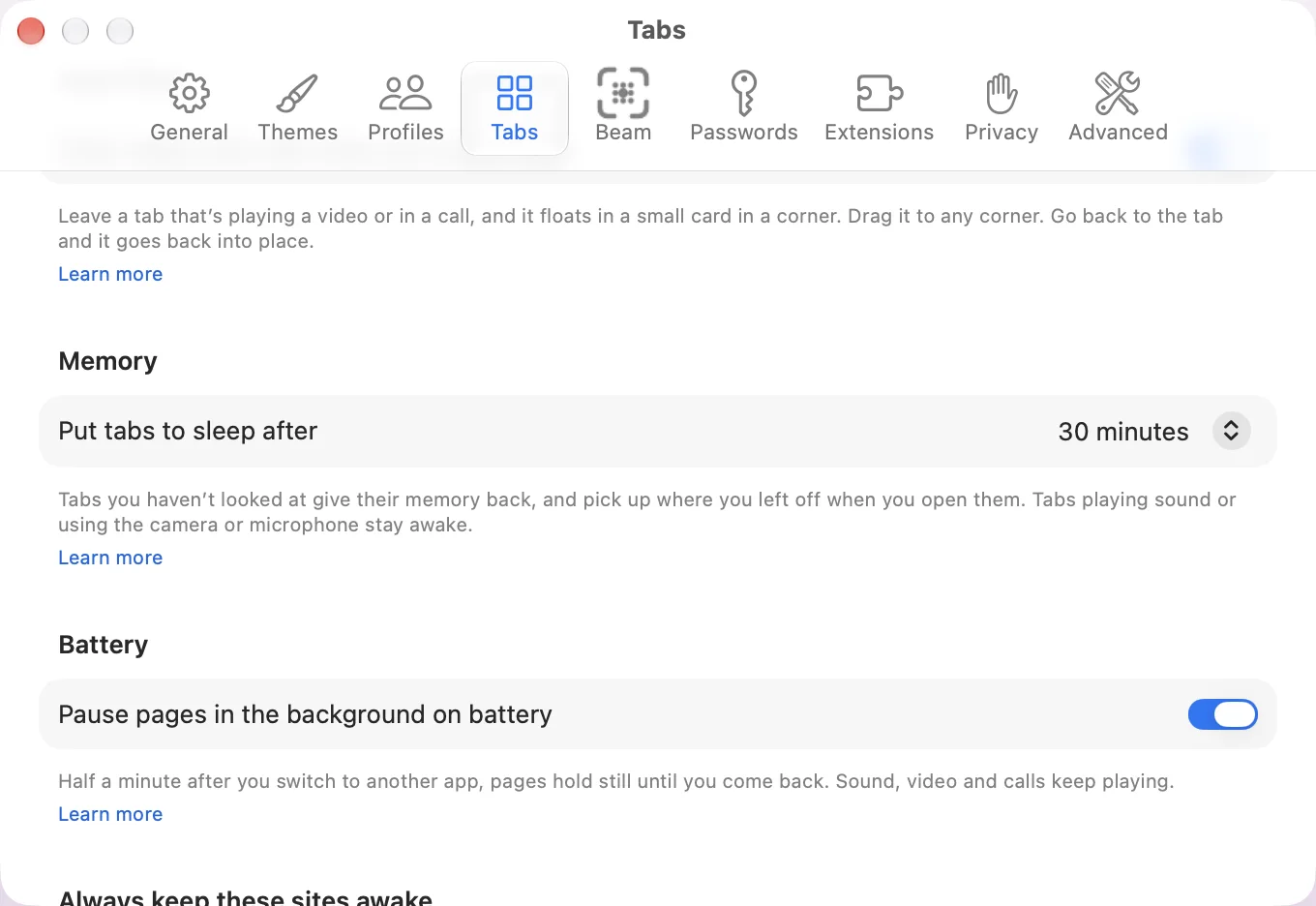
On battery, pages in the background hold still until you come back. Sound, video and calls keep playing.
ROS for iPhone and iPad doesn’t have this yet. These steps are for ROS on a Mac.
How it works
When your Mac runs on battery or in Low Power Mode, pages hold still half a minute after you switch to another app. They pick up again the moment you come back to ROS, click or scroll a page, or rest the pointer on it. Nothing reloads.
Pages that are playing video or sound, in Picture in Picture, using the camera or microphone, or still loading keep going.
Turn it off or on
In Settings › Tabs, under Battery, switch Pause pages in the background on battery. It’s on from the start.
Was this helpful?