

Burn a site with Fire
Clear one site’s history, cookies and data in one step. Its open tabs start over, signed out.
ROS for iPhone and iPad doesn’t have this yet. These steps are for ROS on a Mac.
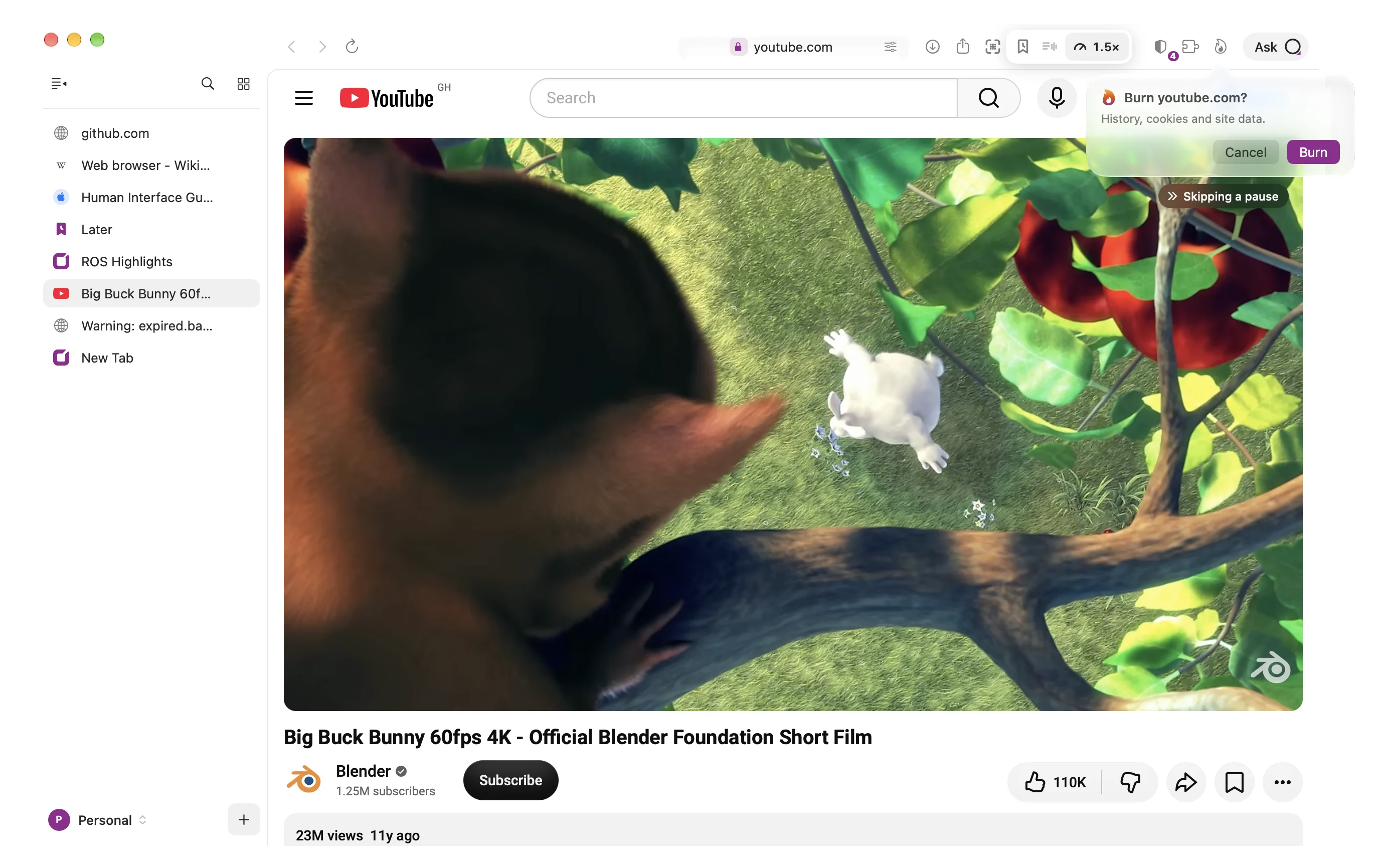
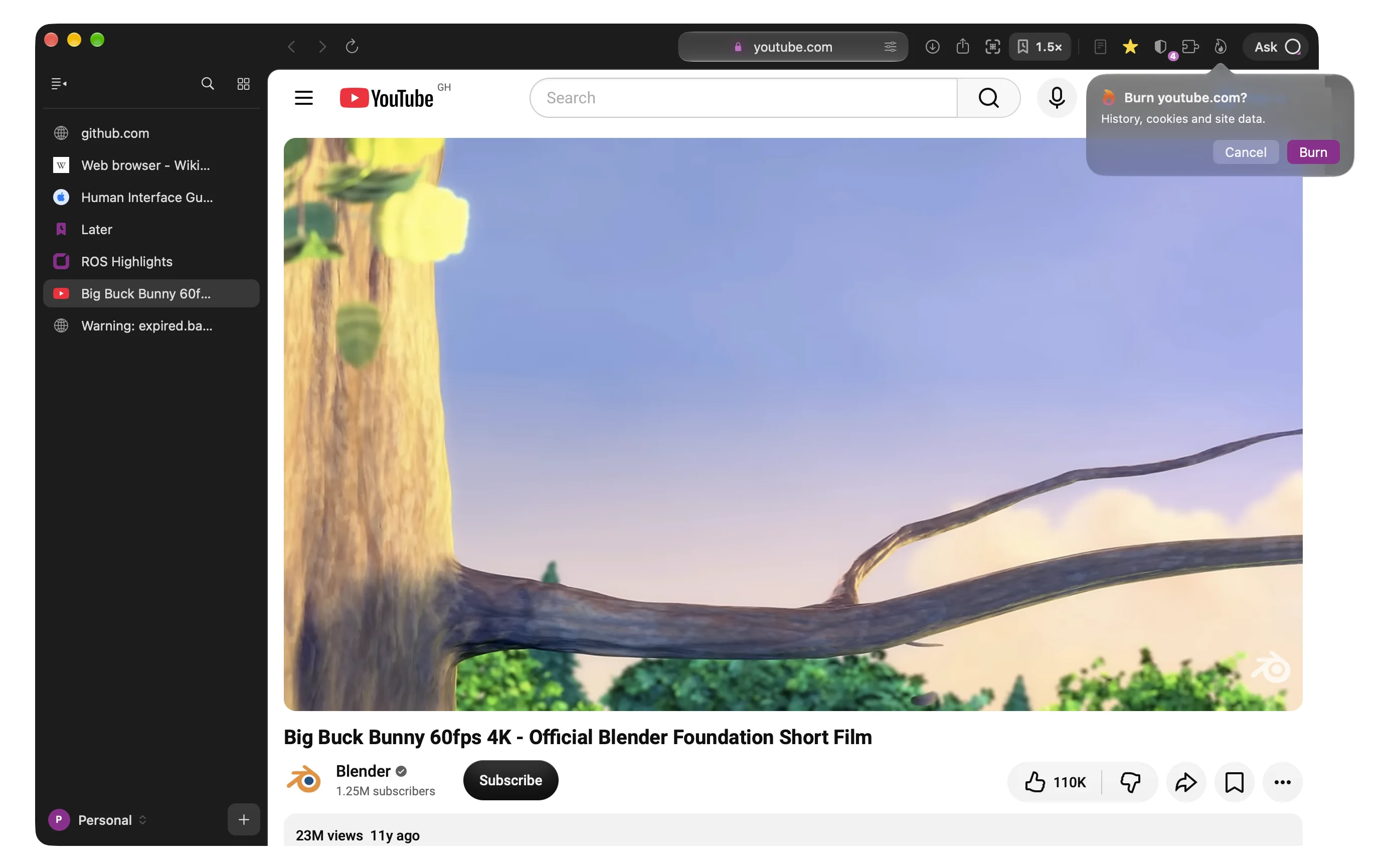
Burn a site
- On the site, press Option Command Delete, choose History › Burn This Site…, or click the flame in the toolbar.
- Read what will go, then click Burn, or press Return.
The site’s history, recently closed tabs, cookies, stored data, site settings and icon are cleared, subdomains included. Open tabs on the site start over, signed out, with Reload and Close.
Other ways to burn
- Right-click a tab and choose Burn This Site….
- In the History window, right-click a page and choose Burn with the site’s name.
Was this helpful?