

Tidy messy download names
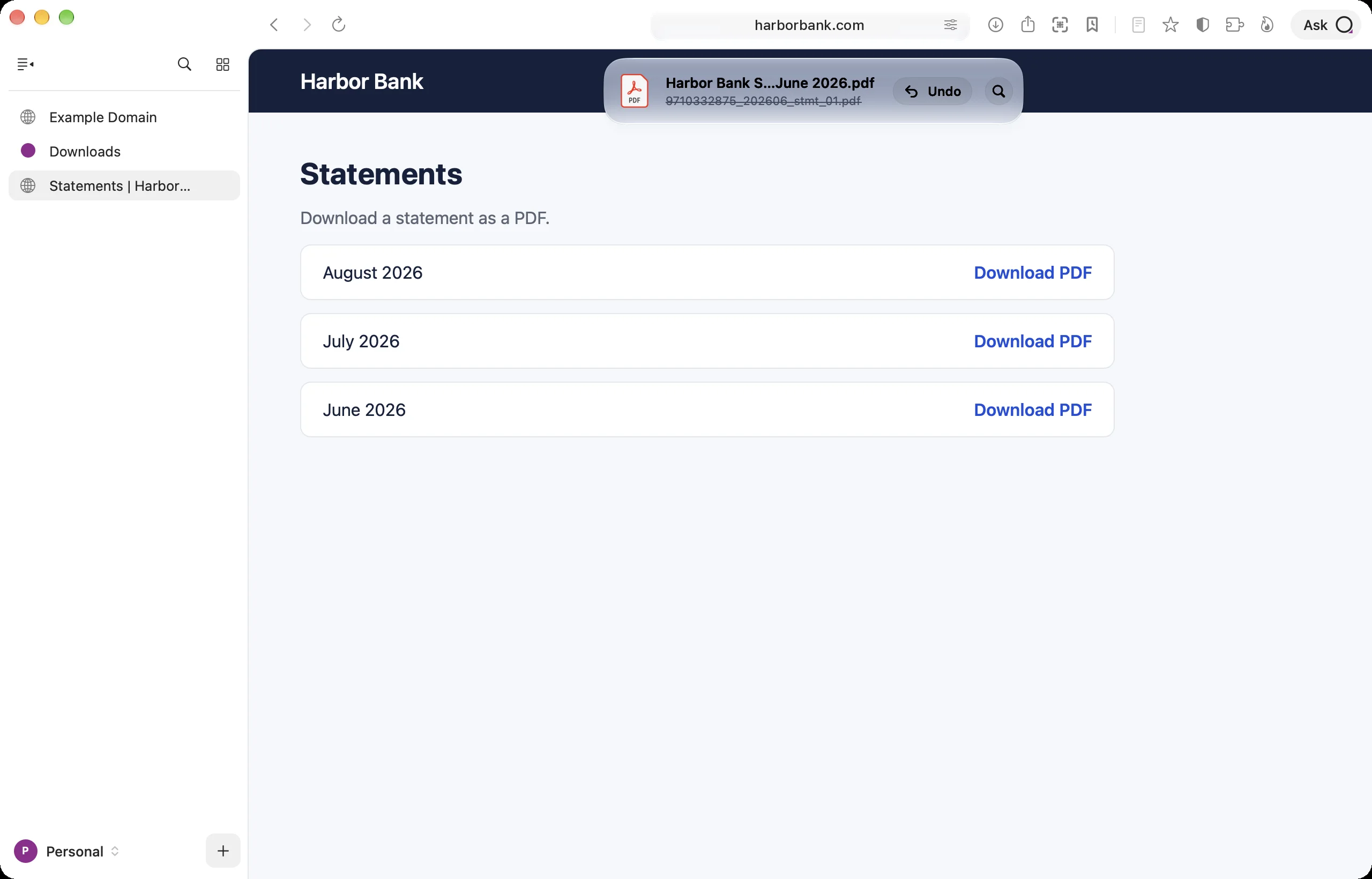
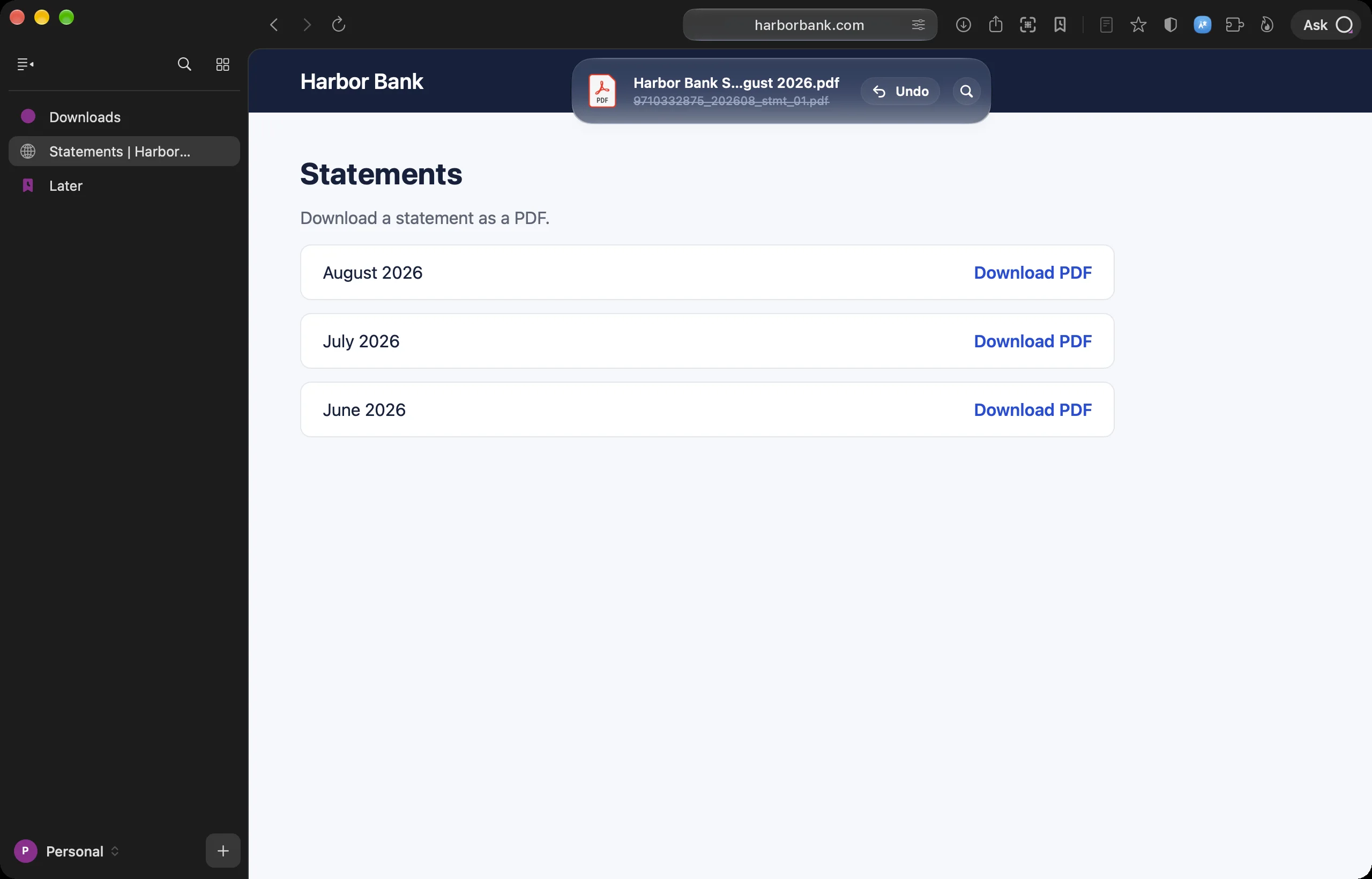
A file called 9710332875_stmt.pdf arrives as something you can find, named after the site and the page.
On iPhone and iPad
A download with a machine-made name gets a tidy one, shown in a pill above the bar. Tap Undo there to keep the original. Turn it off in Settings, under Downloads. Downloads from private tabs keep their own names.
How it works
When a download’s name has no real words in it, only numbers, codes or words like “download” or “file”, ROS names it after the site, the page title and any date in the old name. The file type never changes, and it all happens on your Mac.
Camera names such as IMG or DSC, files you name yourself, and downloads from private tabs are left alone.
Keep the original name
Click Undo in the pill that appears when the download finishes. On the Downloads page, a Tidied label shows the name it came with.
Turn it off
Switch off Tidy messy download names in Settings › General. It’s on from the start.
Was this helpful?