

Choose a theme
Your new tab, accent and sidebar in a look you love, from across Africa and the skies. Websites stay as they are.
ROS for iPhone and iPad doesn’t have this yet. These steps are for ROS on a Mac.
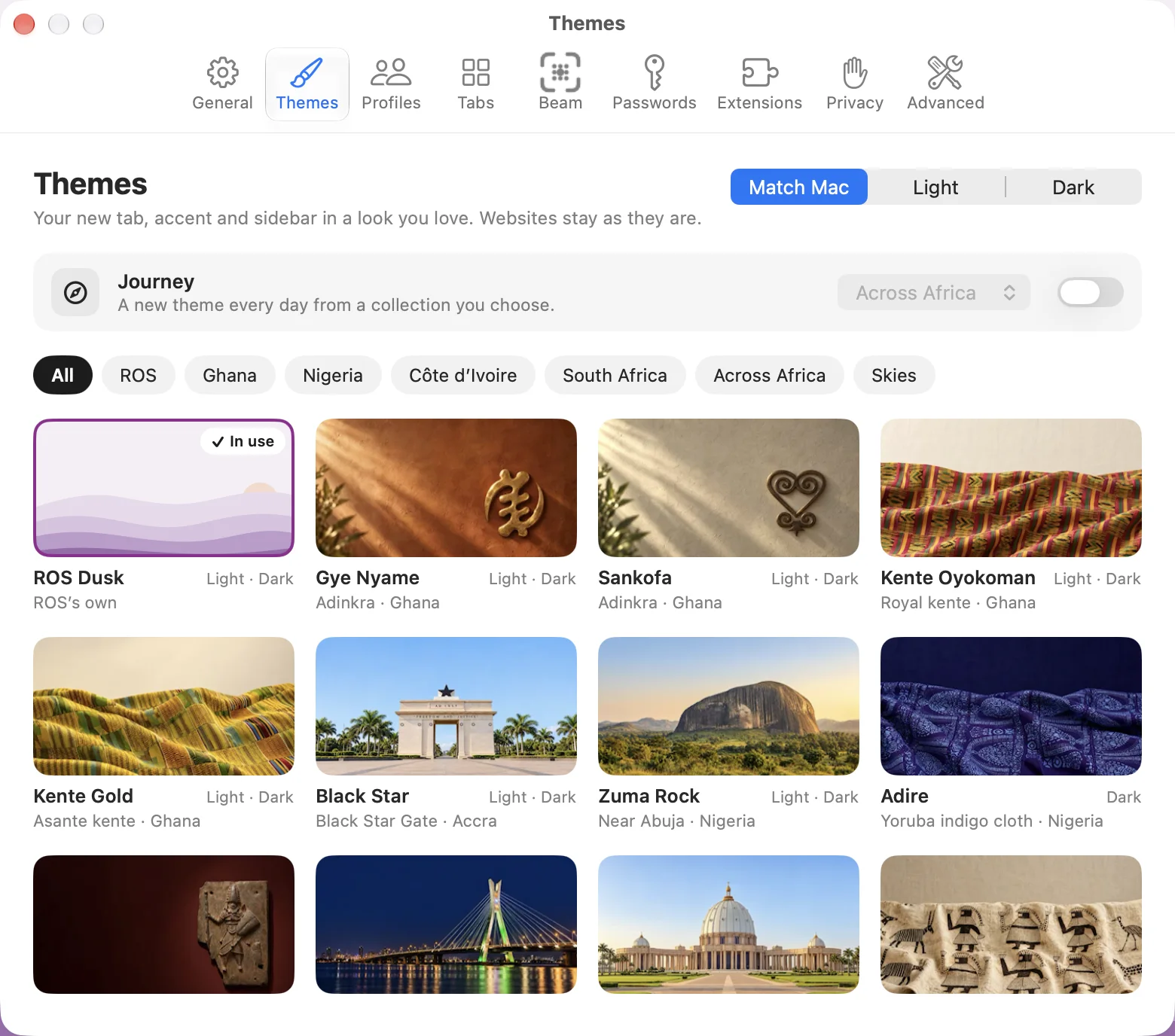
Choose a theme
- Choose View › Themes…, or click the theme’s name at the bottom of a new tab.
- Pick a collection, such as Ghana, Nigeria or Skies, then a theme.
The full photograph downloads the first time you choose it, and every window changes at once. Each profile has its own theme.
Light or dark
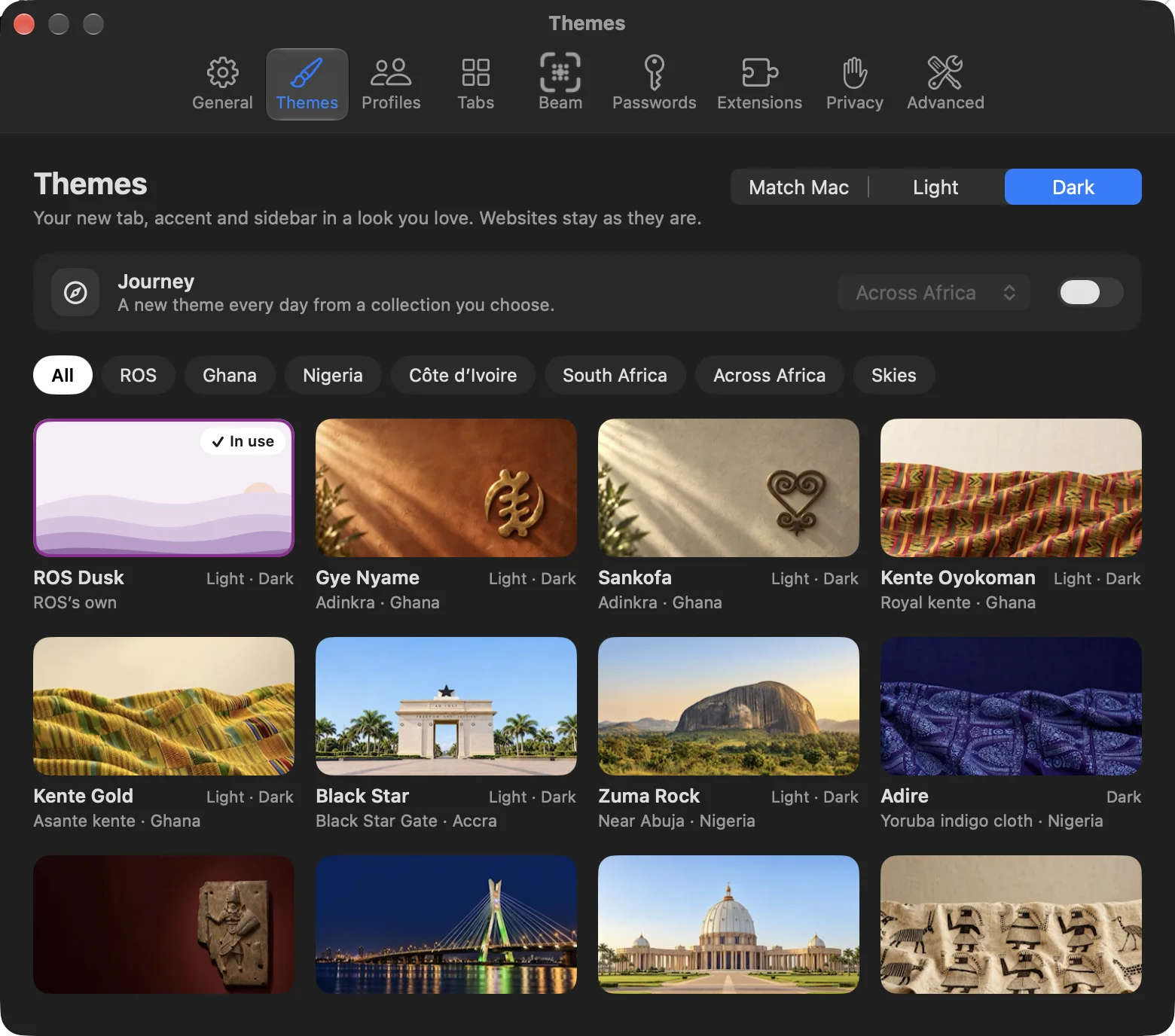
Choose Match Mac, Light or Dark at the top of Themes. Themes with a night version follow your Mac. You can also type “dark” or “light” in the address bar.
A new theme every day
Turn on Journey and pick a collection. ROS shows a different theme from it each day.
Was this helpful?