

Open a link in Peek
Look at a link without leaving the page you’re on. It opens in a card over your page, and you can close it or keep it as a tab.
ROS for iPhone and iPad doesn’t have this yet. These steps are for ROS on a Mac.
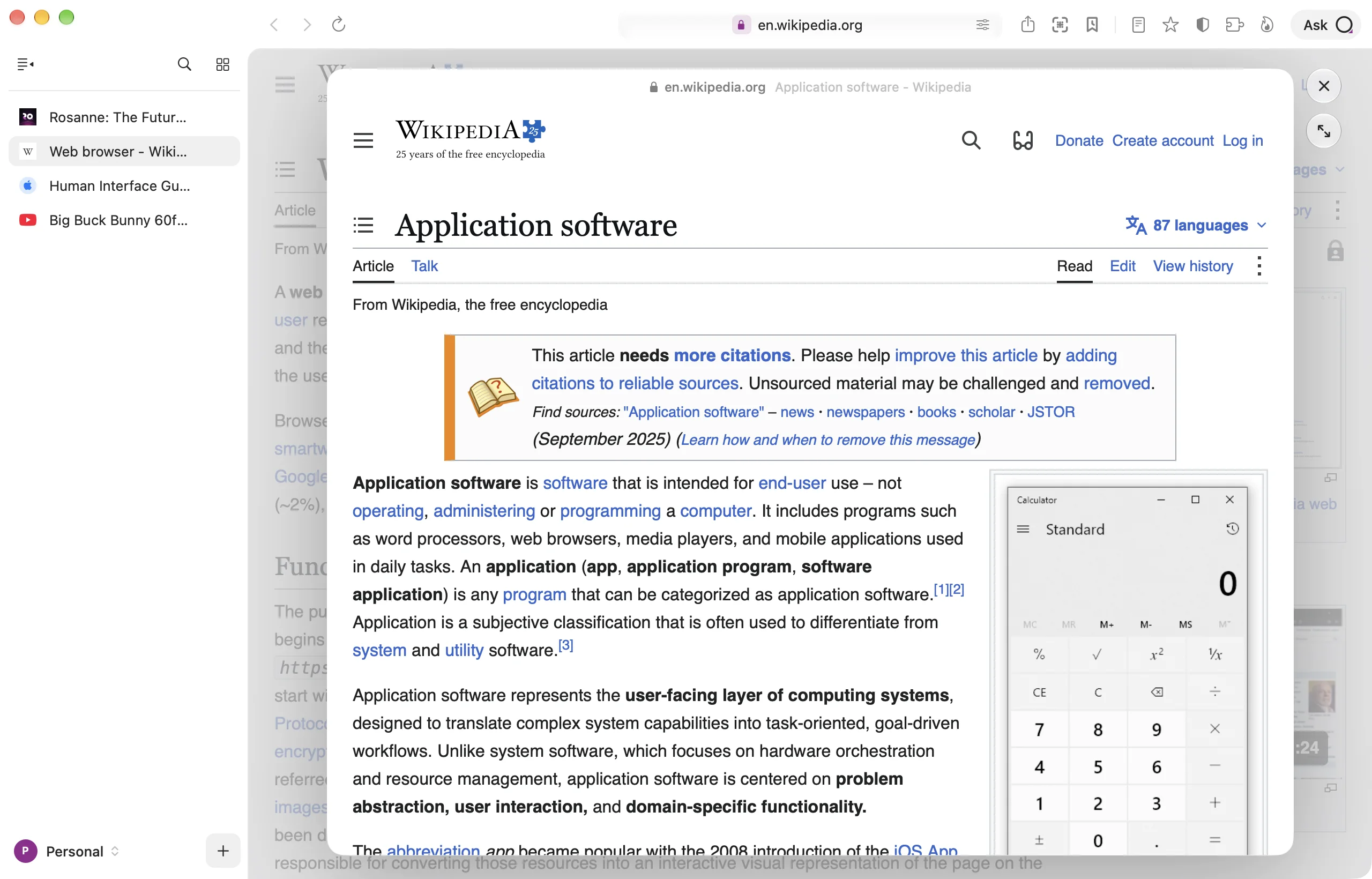
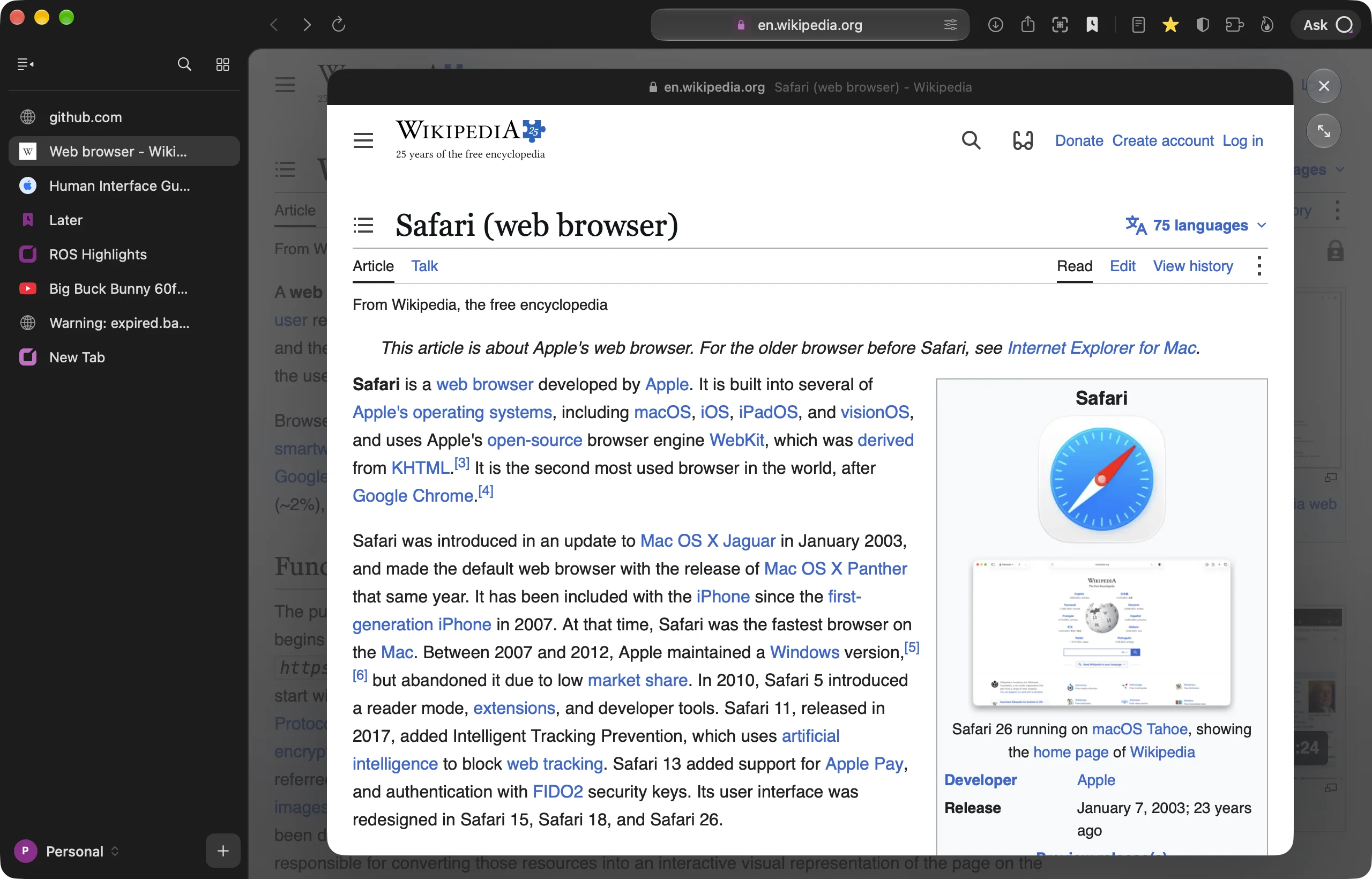
Open a link in Peek
- Hold Shift and click a link. The page behind softens and the link opens in a card.
- Scroll, read and click inside the card as you would in a tab.
- To close it, press Escape, click outside the card, or click the close button.
Keep it as a tab
- Click the Keep as Tab button beside the card, or press Command Return.
- The card grows into a full tab next to the one you were on, already loaded.
Shortcuts
| Open a link in Peek | Shift click |
|---|---|
| Keep as a tab | Command Return |
| Close Peek | Escape or Command W |
Was this helpful?