

Free up space
ROS finds large downloads you haven’t opened in a month and moves the ones you choose to the Trash.
ROS for iPhone and iPad doesn’t have this yet. These steps are for ROS on a Mac.
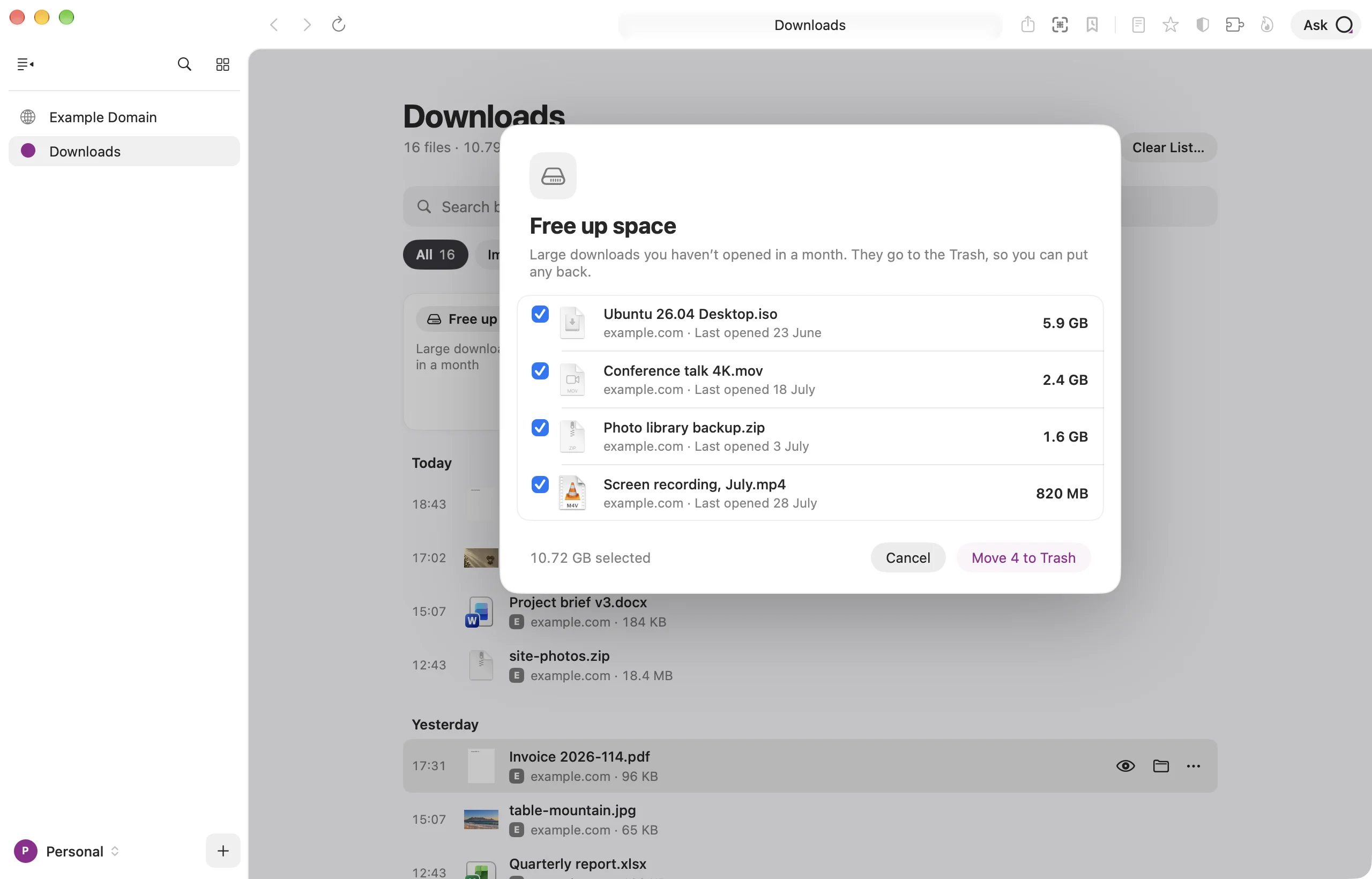
Review large downloads
- Press Shift Command J to open Downloads. When large old files add up, a line says how much could be freed.
- Click Review….
- Untick anything you want to keep.
- Click Move to Trash.
It lists files of 100 MB or more, downloaded and last opened over 30 days ago, that are still in your Downloads folder.
Was this helpful?