

Manage downloads
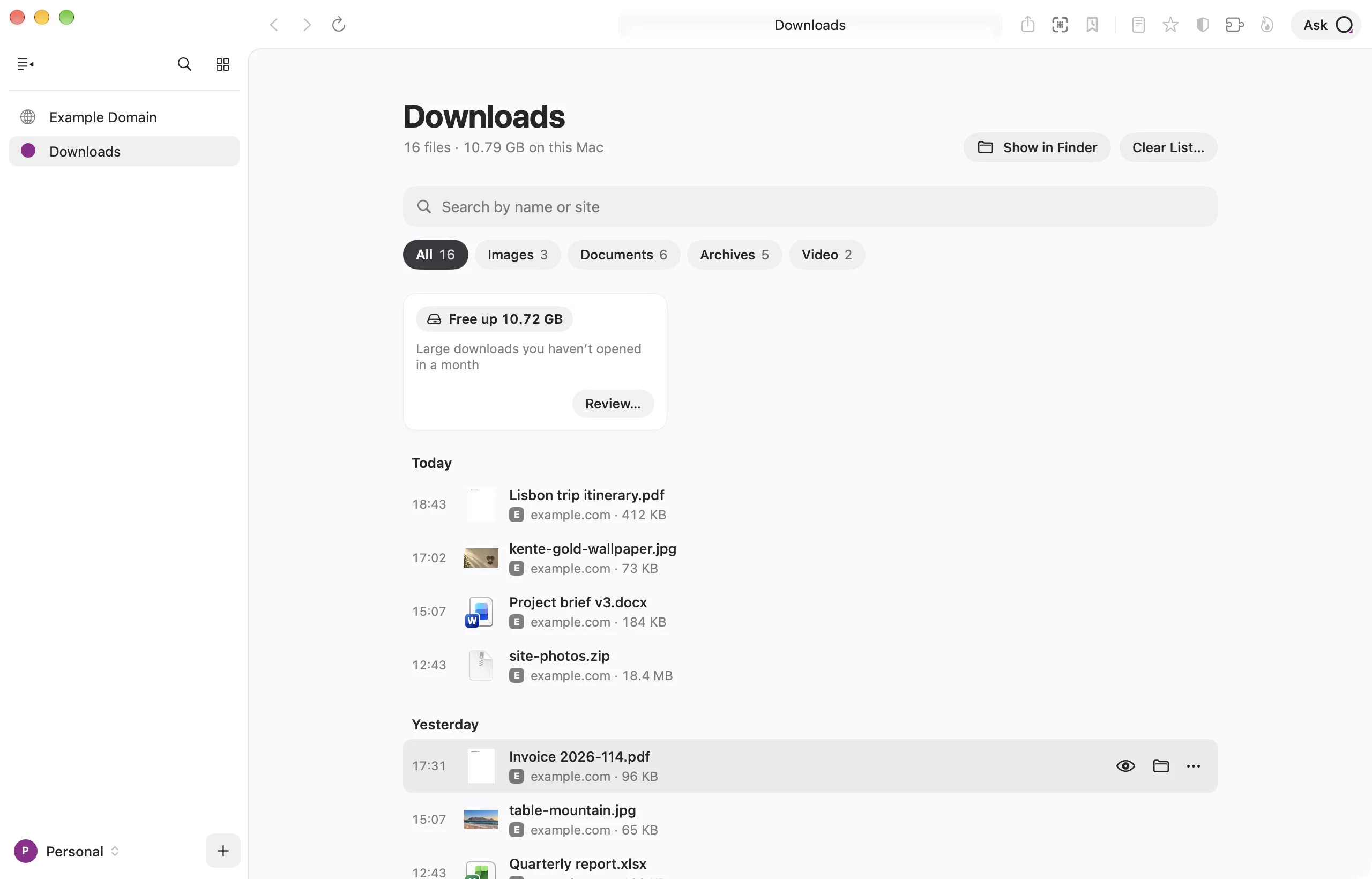
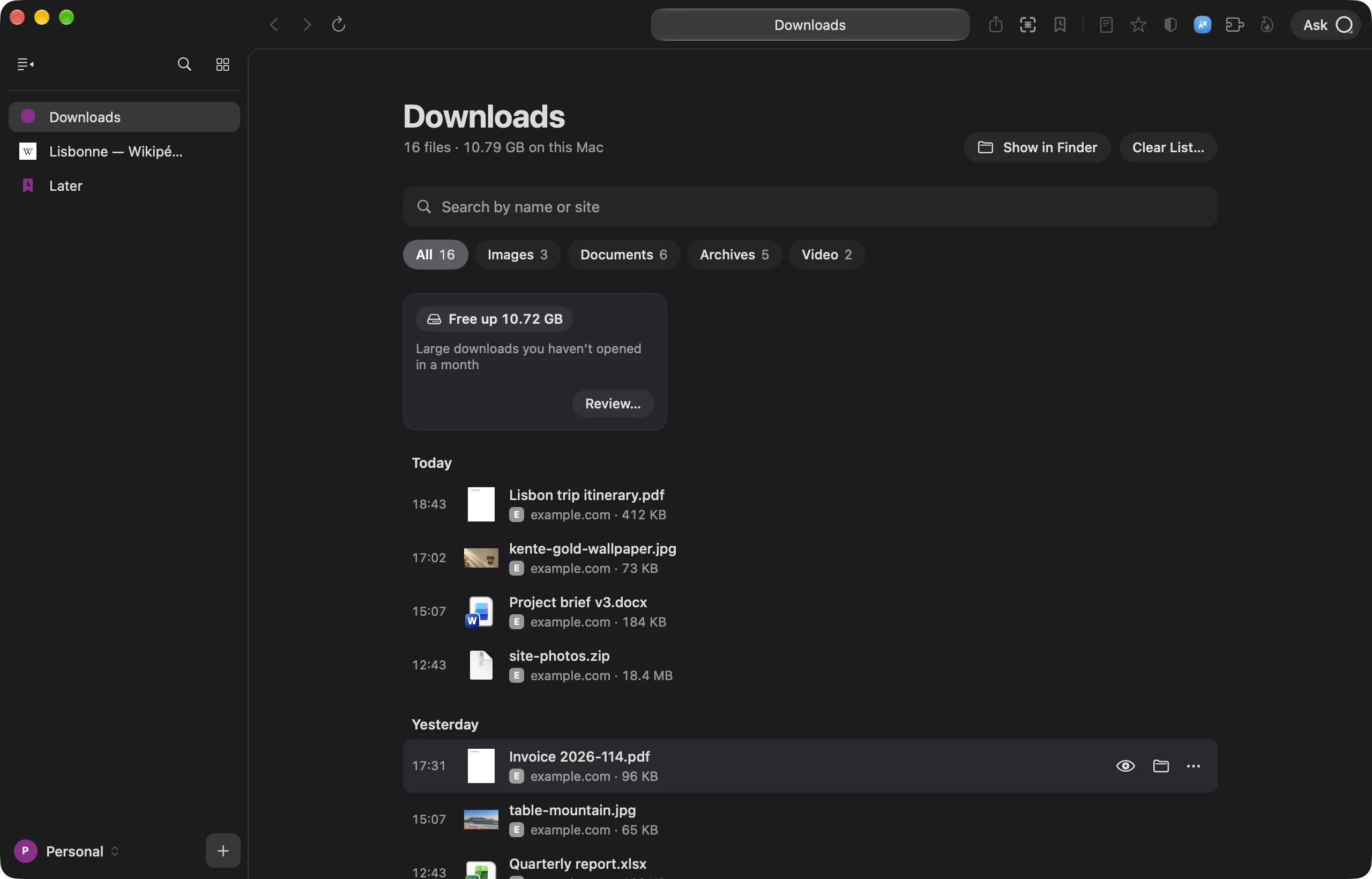
Every file you download, listed by day, with search, filters and a quick preview.
Open your downloads
On Mac
Press Shift Command J or choose View › Downloads. Search by name or by the site a file came from, and filter by kind.
| Preview a file | Space |
|---|---|
| Open it | Return |
| Remove it from the list | Delete |
Files go to your Downloads folder. If you move or rename one in Finder, ROS still finds it. A zip shows what’s inside without unzipping, and apps show whether they’re signed and notarized.
On iPhone
Tap the shield at the left of the address bar, then Downloads. Files are saved in the Files app, in On My iPhone › ROS › Downloads. Touch and hold a file for Quick Look and Share.
Clear the list
On Mac
Click Clear List…. Your files stay on your Mac, and you can undo it.
On iPhone
Tap ⋯ then Clear List. Your files stay in the Files app.
Was this helpful?