

Add extensions from the ROS Extension Store
Every extension in the store is reviewed and signed by ROS, and shows what it can access.
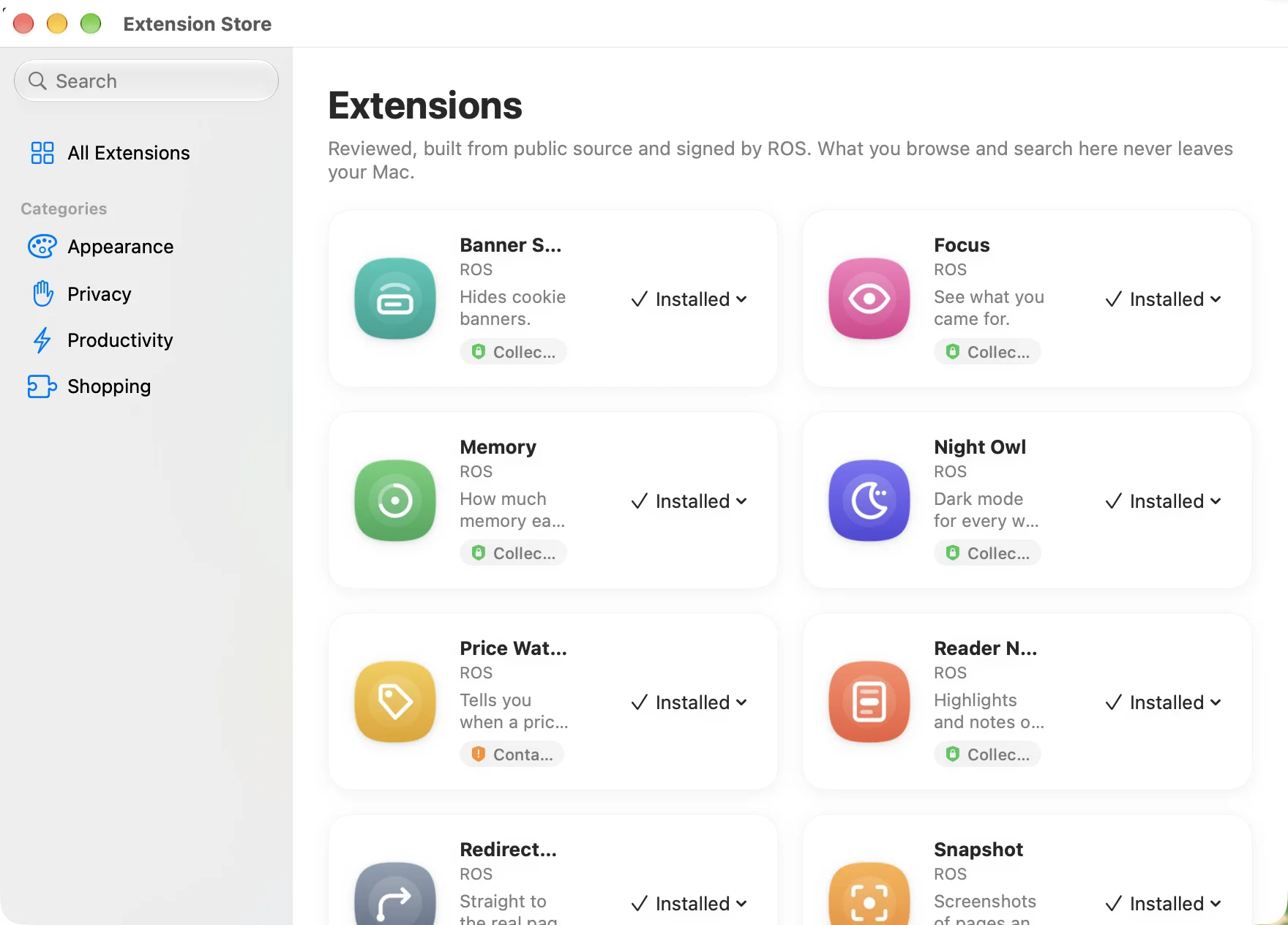
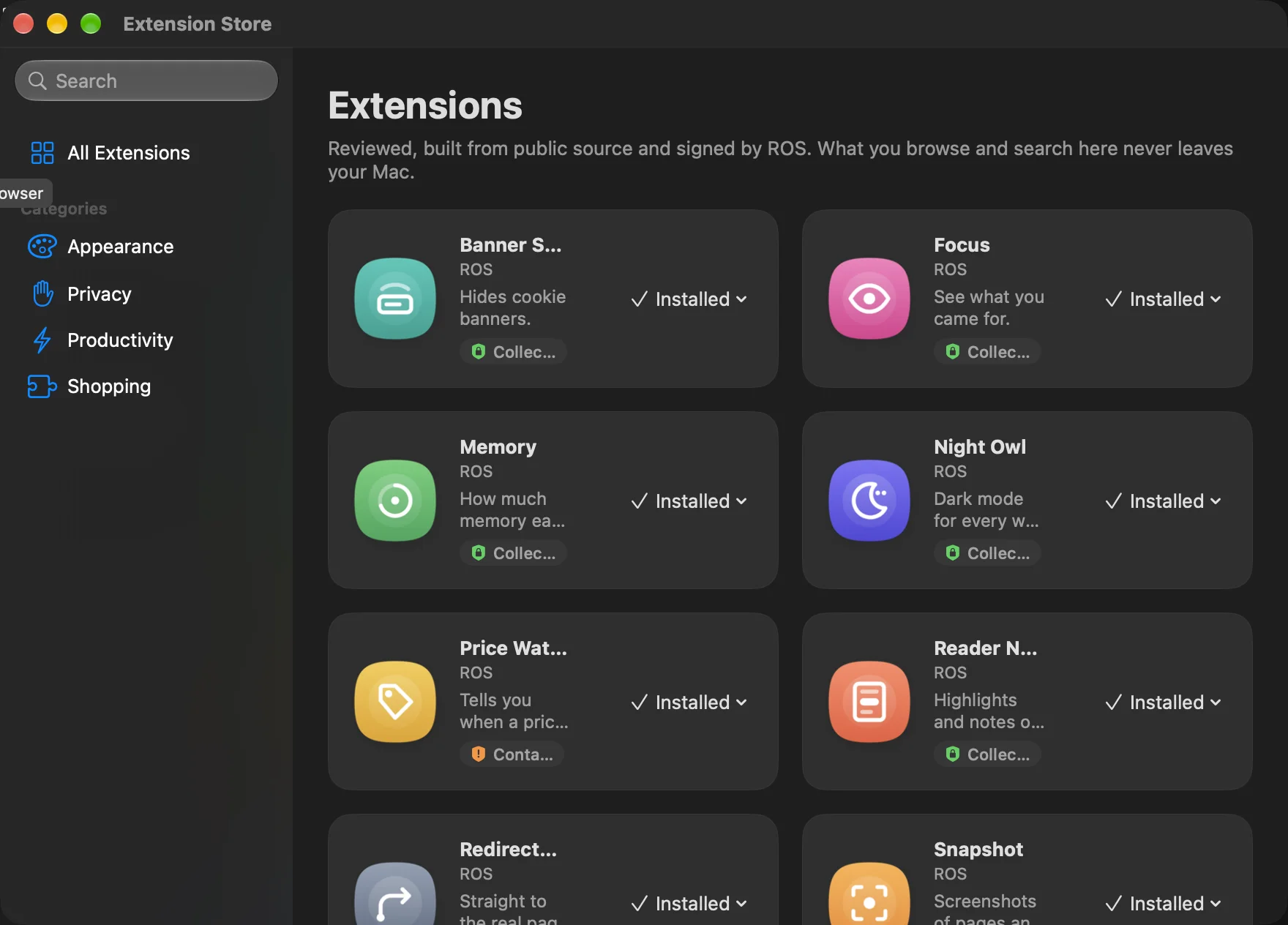
Add an extension
On Mac
- Choose ROS › Extension Store….
- Browse by category or search, and open an extension to read its privacy label and the access it needs.
- Click Get, then Add Extension.
ROS’s own extensions, such as Translate, Reader Notes and Focus, also wait under Available in the Extensions panel, ready to add.
On iPhone
In Settings › Extensions, tap Open the Extension Store, then Get and Add Extension.
When an extension wants more access
If an update asks for more than before, ROS waits for you: choose to update, or keep the current version.
Was this helpful?