

Build and load your own extension
Load an extension you’re building straight from its folder.
ROS for iPhone and iPad doesn’t have this yet. These steps are for ROS on a Mac.
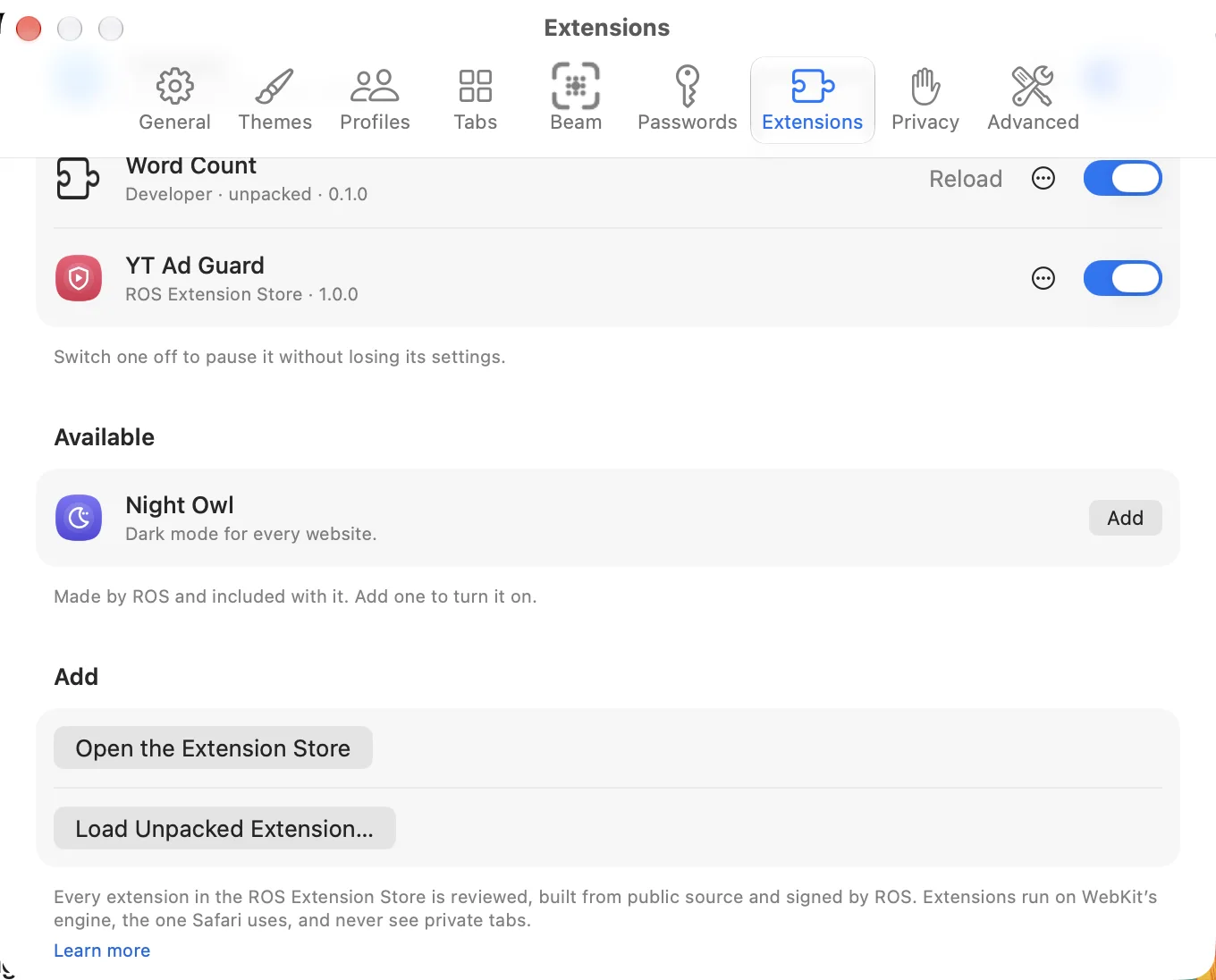
Load an unpacked extension
- Open Settings › Advanced and turn on Developer mode.
- In Settings › Extensions, click Load Unpacked Extension….
- Choose the folder that holds the extension’s manifest.json, then click Load.
After you change your code, click Reload next to the extension. Removing it leaves the folder where it is.
Developer tools
Show developer tools in Settings › Advanced adds Inspect Element and the Develop menu, with the Web Inspector Option Command I, the JavaScript console Option Command C and page source Option Command U.
Was this helpful?