

Beam a page to your iPhone
Send the page you’re on to your other device. It opens there straight away, at the spot you were reading.
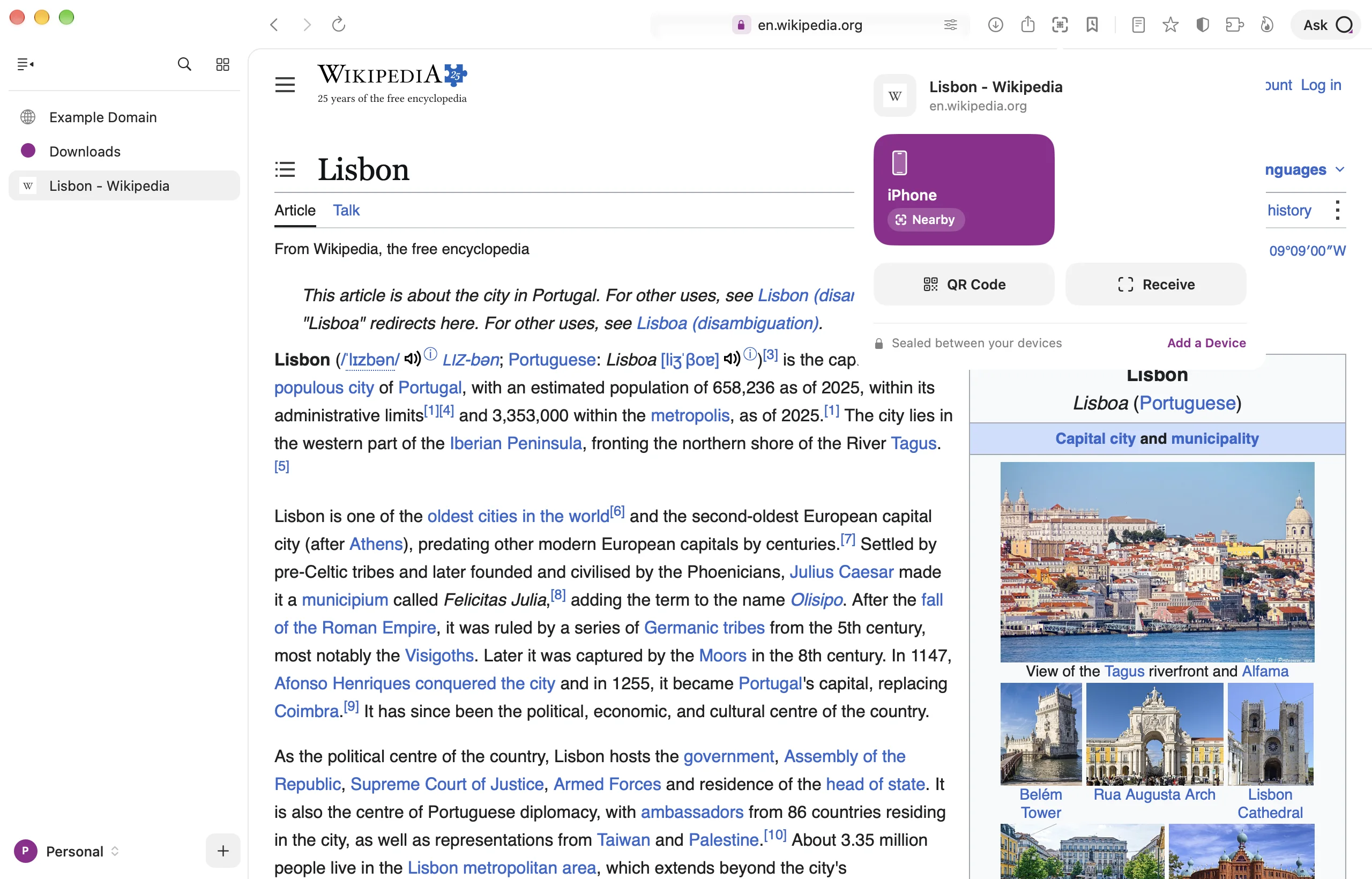
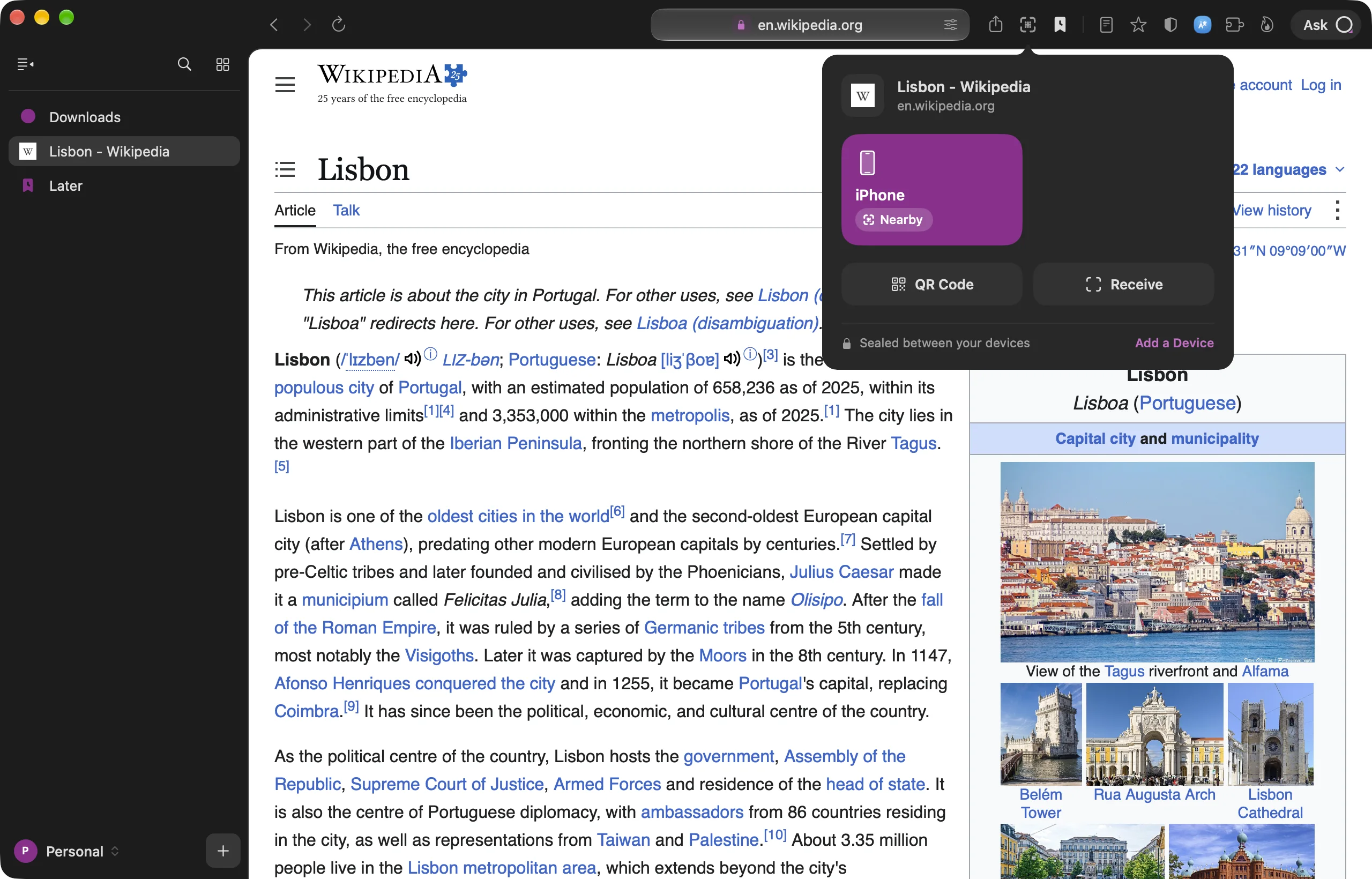
Send a page
On Mac
- Click Beam in the toolbar, or choose File › Beam to iPhone….
- Click your device. It says Opened there when the page arrives.
On iPhone
- Tap the shield at the left of the address bar, then Beam.
- On Send, tap your Mac.
The page opens in a new tab on the other device, with who sent it.
Send to any phone
On Mac
In the Beam panel, click QR Code. Any phone’s camera opens the page.
On iPhone
In Beam, tap Show QR Code.
Private and direct
Beam goes device to device over Wi-Fi, or directly between them, sealed with a key only your two devices share. Nothing passes through ROS’s servers.
On Mac
In Settings › Beam, Handoff also lets you pick up the page you’re on, on your other devices. Never a private tab.
Was this helpful?