

Translate a page
The Translate extension translates a page into your language, right on your Mac.
ROS for iPhone and iPad doesn’t have this yet. These steps are for ROS on a Mac.
Add Translate
- Click the Extensions button in the toolbar, or open Settings › Extensions.
- Under Available, click Add next to Translate.
Translate a page
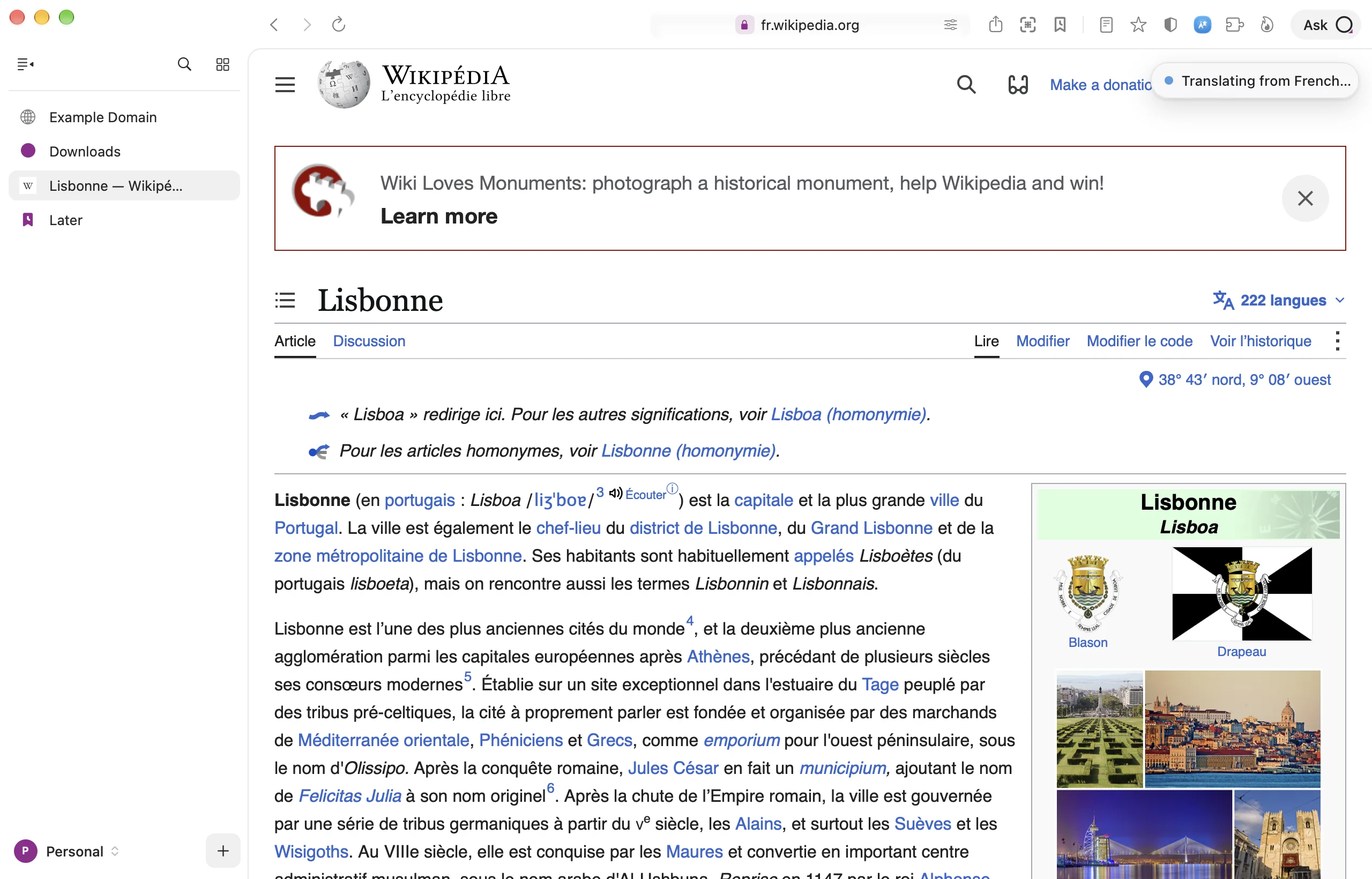
Open the page and click Translate in the Extensions panel or its toolbar button. ROS works out the page’s language and translates it into your Mac’s first preferred language.
Was this helpful?