

Let tabs sleep to save memory
Tabs you haven’t looked at give their memory back, and pick up where you left off when you open them.
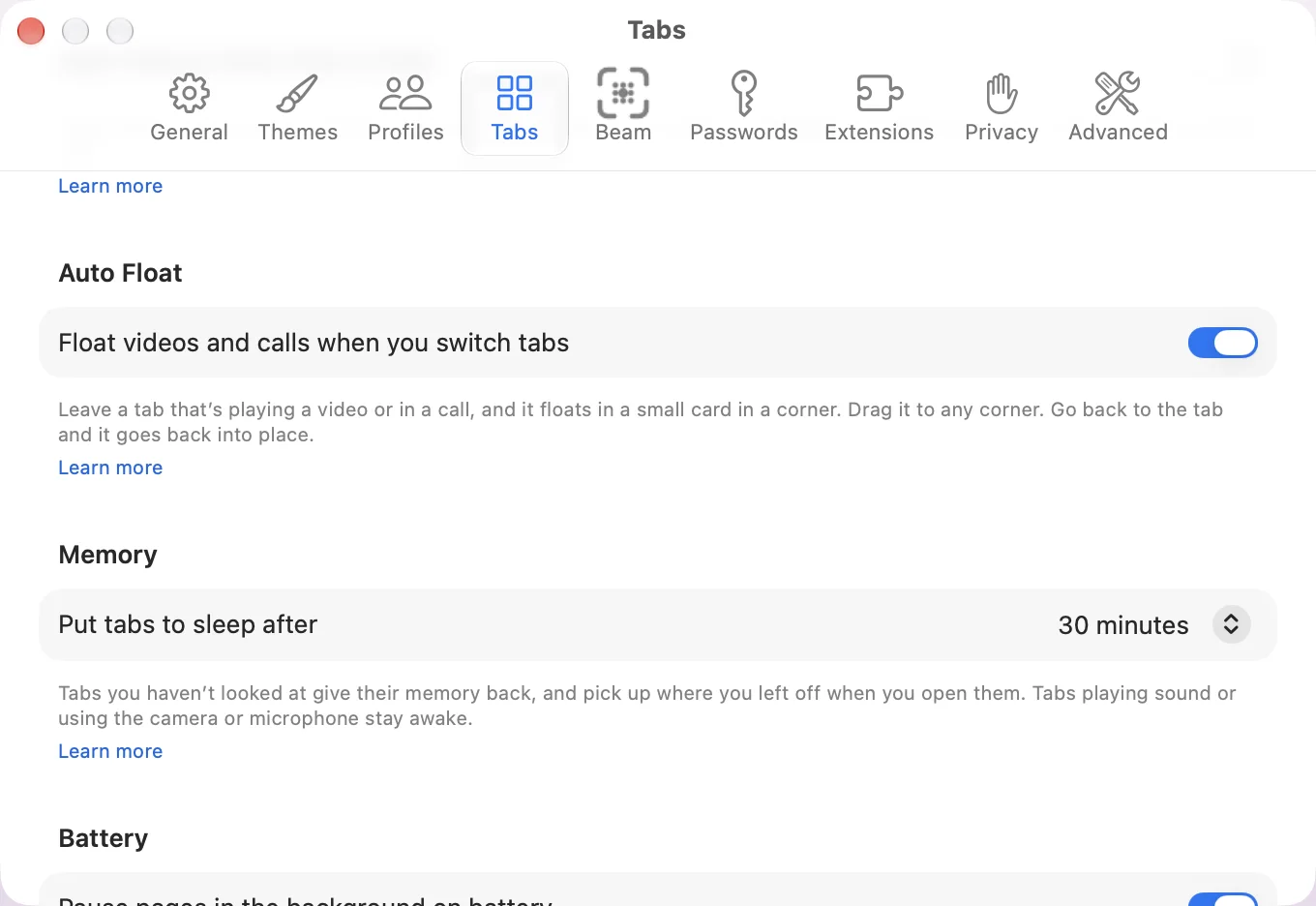
Choose when tabs sleep
On Mac
- Open Settings › Tabs.
- Under Memory, set Put tabs to sleep after to 15 minutes, 30 minutes, 1 hour, 2 hours or Never. It starts at 30 minutes.
On iPhone
- Tap the shield at the left of the address bar, then Settings.
- Under Browsing, choose Sleep Unused Tabs: after 15 minutes, 30 minutes, 1 hour, 2 hours, or Never.
What stays awake
A tab stays awake while it plays sound, uses the camera or microphone, shares the screen, downloads, or holds something you typed.
On Mac
To keep a site awake, right-click its tab and choose Keep Site Awake, or add it under Always keep these sites awake in Settings › Tabs. A site keeps its subdomains awake too.
Was this helpful?