

Bookmark pages and organise them
Keep pages you return to, sort them into folders, and take them with you.
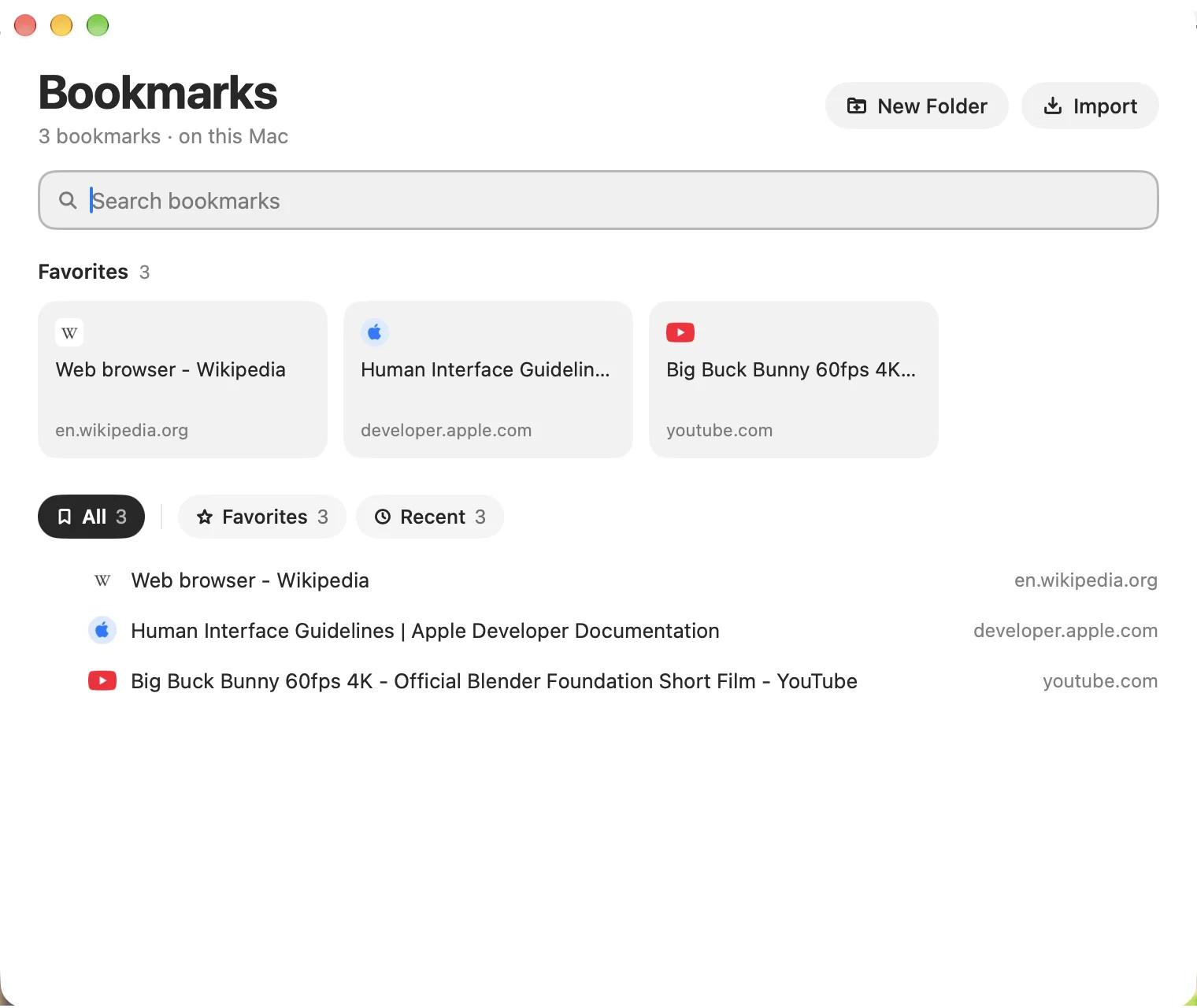
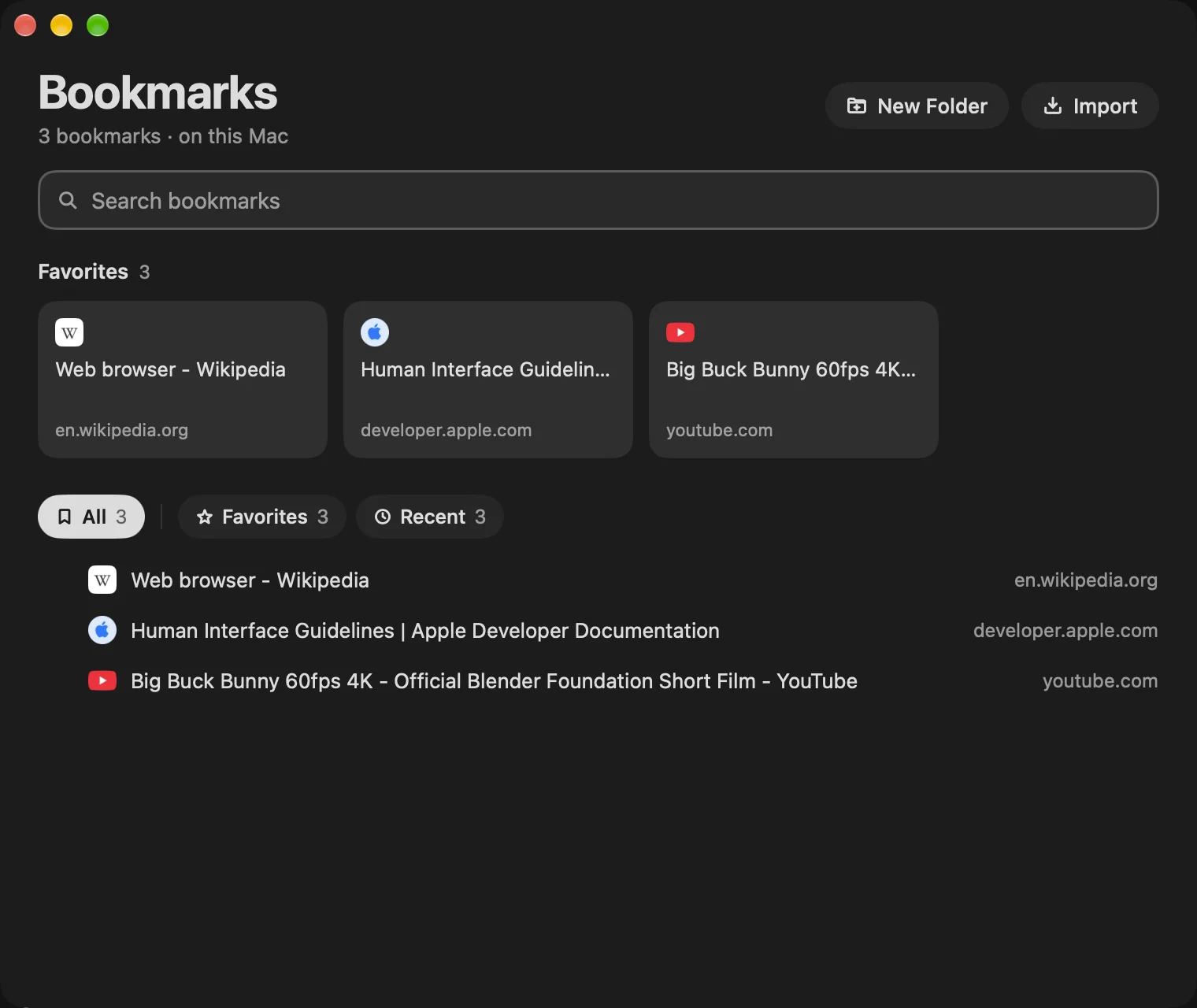
Bookmark a page
On Mac
Press Shift Command B or choose Bookmarks › Bookmark This Page. Press it again to remove the bookmark.
On iPhone
Tap the shield at the left of the address bar, then the star, Add Bookmark. Your bookmarks show when you tap the address bar.
Organise bookmarks
On Mac
- Press Option Command B or choose Bookmarks › Edit Bookmarks….
- Click New Folder to make a folder.
- Drag bookmarks onto a folder, or right-click one and choose Move To.
Right-click a folder for Open All in New Tabs. Deleted something by mistake? Click Undo.
On iPhone
In the page menu, tap Bookmarks. Swipe a bookmark to delete it.
Export bookmarks
Choose Bookmarks › Export Bookmarks…. ROS saves a Bookmarks.html file any browser can import.
Was this helpful?