

See what’s new with Highlights
A short tour of what changed, with a button to try each feature.
ROS for iPhone and iPad doesn’t have this yet. These steps are for ROS on a Mac.
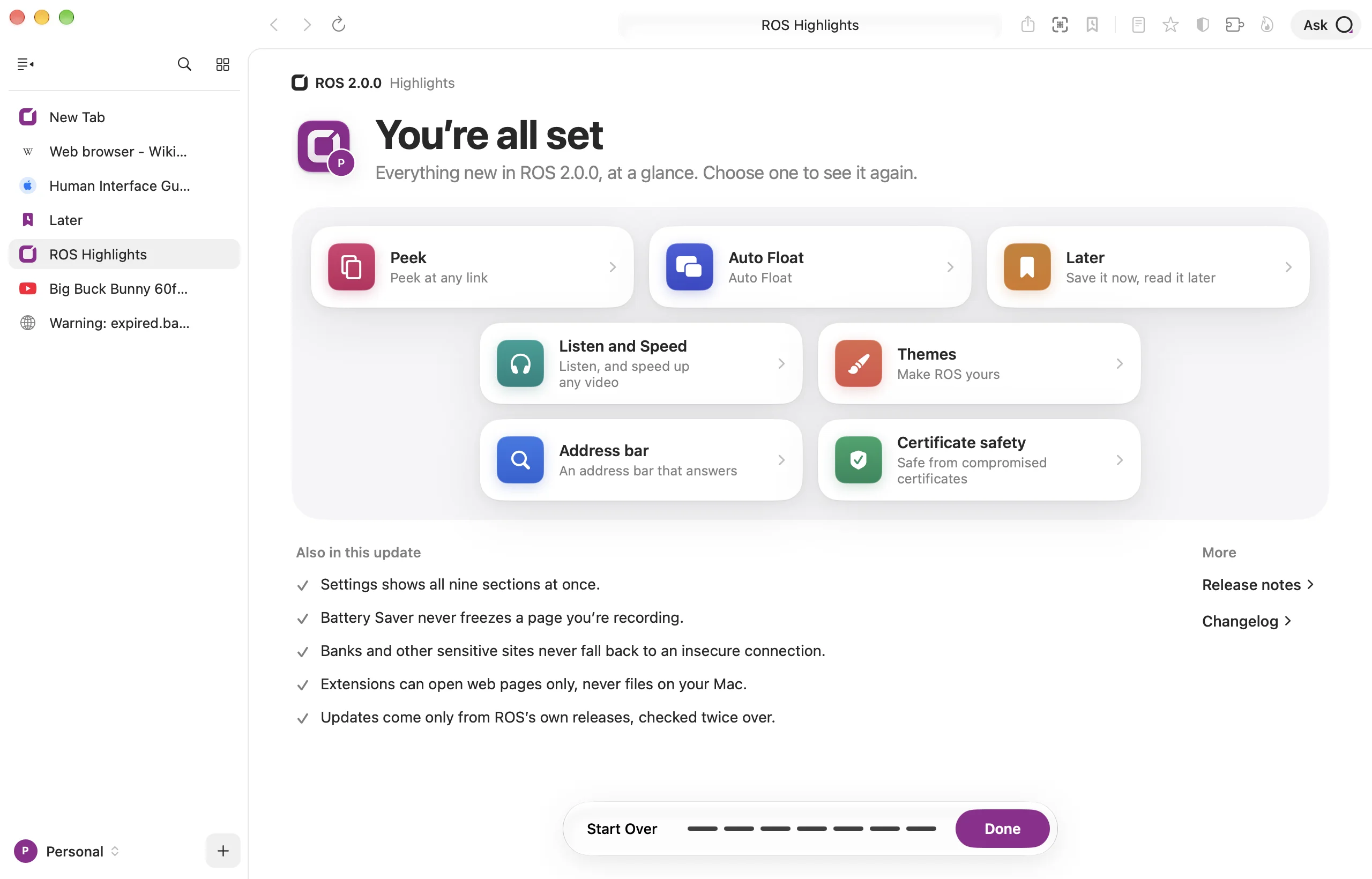
Open Highlights
- Choose Help › ROS Highlights. It opens in a tab.
- Move between slides with Back and Next, or the Left arrow and Right arrow keys. Each slide has a button to try the feature.
- Click Skip to see everything at a glance, or press Escape to finish.
After an update
ROS opens Highlights once in a new tab after it updates. To stop that, turn off Show Highlights after updates in Settings › General. See Highlights sits right beside it.
Was this helpful?