

Change playback speed
Play any video faster or slower, skip the silences, and let ROS remember your speed for each site.
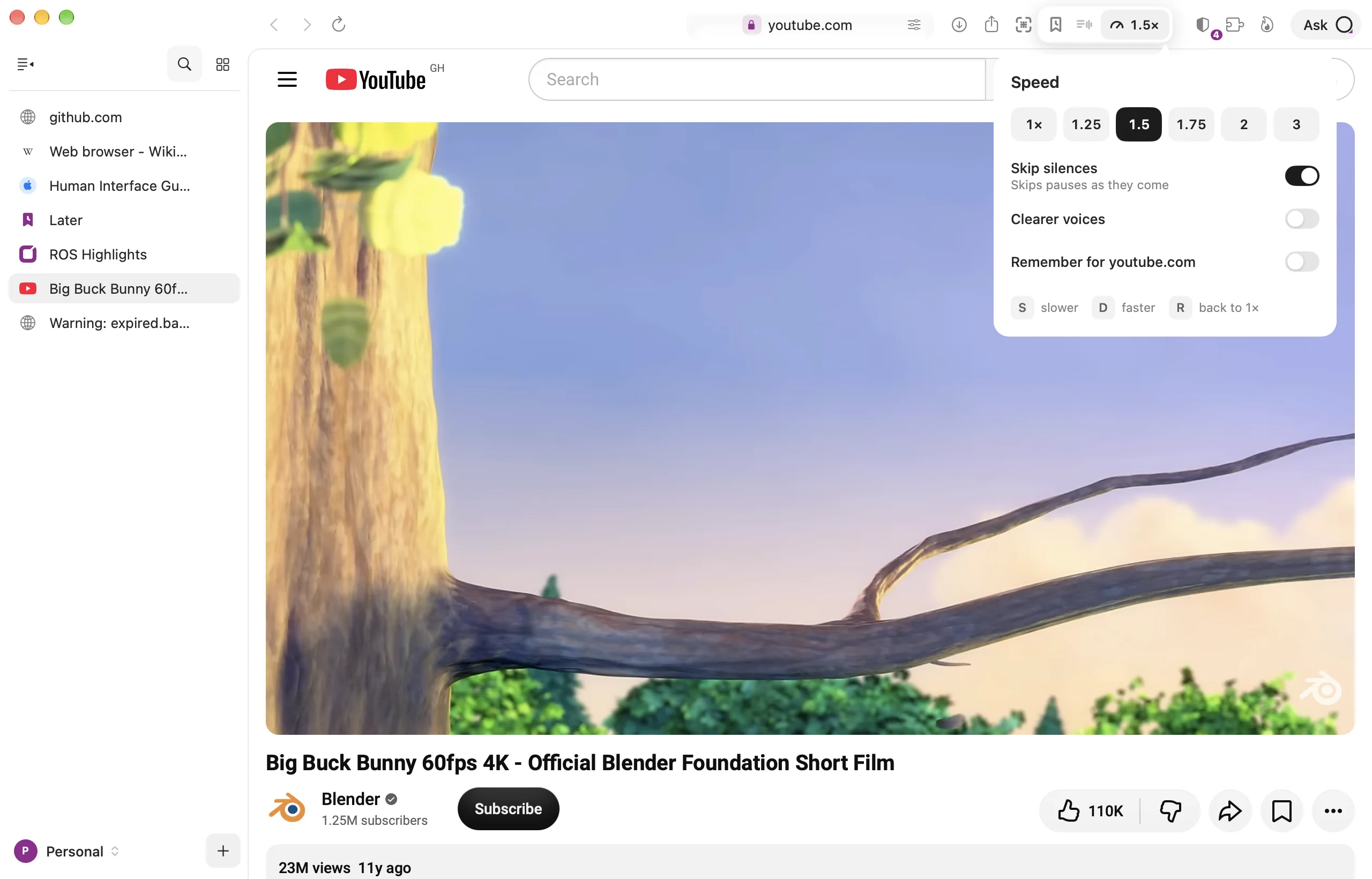
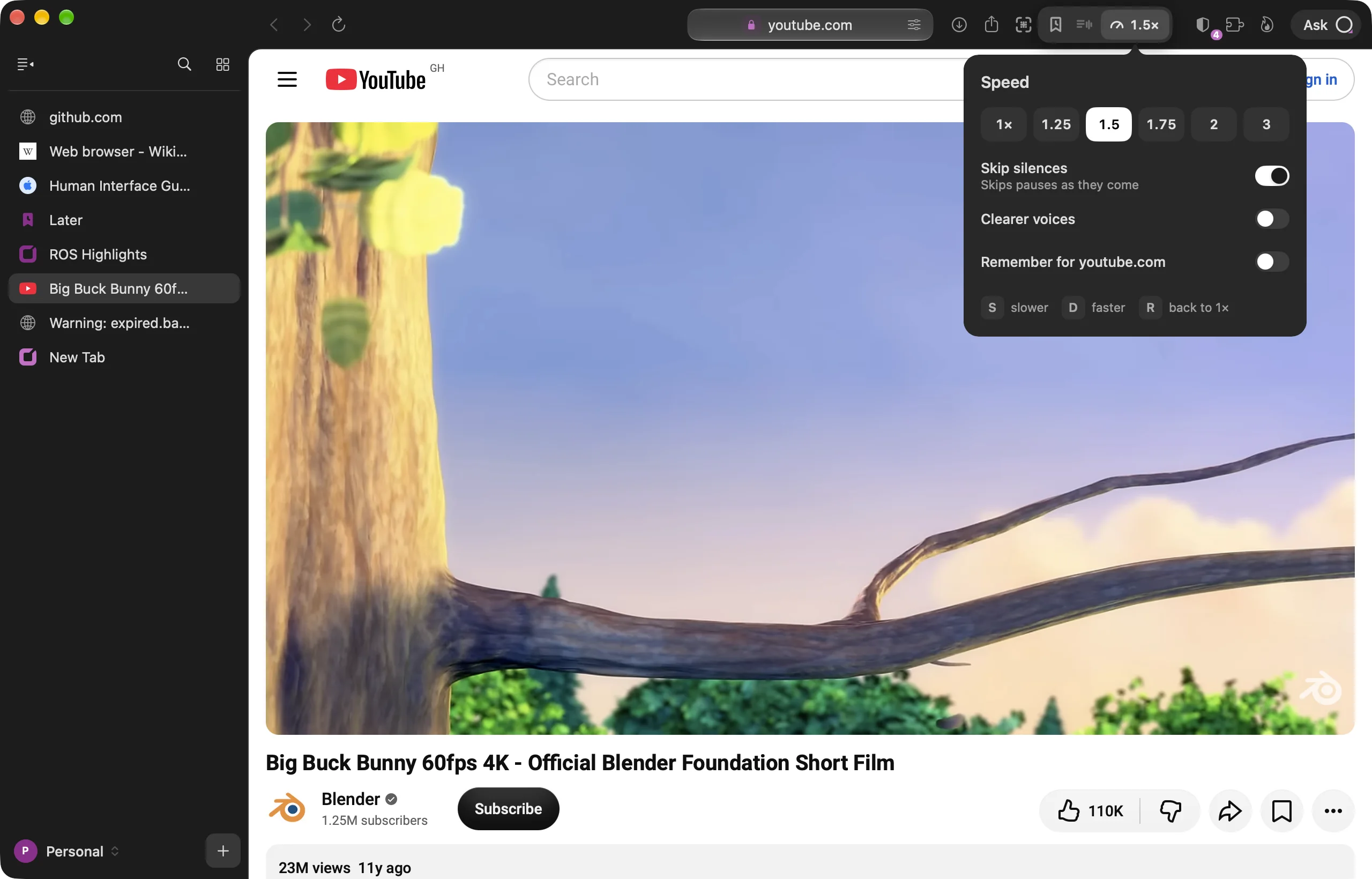
Change the speed
On Mac
- On a page with a video, choose View › Playback Speed…, or point at Later in the toolbar and click Speed beside it.
- Pick 1×, 1.25, 1.5, 1.75, 2 or 3.
While the card is open, press S to go slower, D to go faster, and R for 1×.
On iPhone
- Tap the shield at the left of the address bar to open the page menu.
- Tap Speed. It shows only when the page has video or audio.
- Pick 1×, 1.25, 1.5, 1.75, 2 or 3.
Skip silences and clearer voices
- Skip silences jumps over pauses as they come.
- Clearer voices makes speech easier to follow.
- Remember for the site keeps your speed for every video there. Private tabs don’t remember.
Some videos don’t allow these. ROS tells you when one isn’t available.
Was this helpful?