

Search your history
Find a page you visited, by day or by a word you remember.
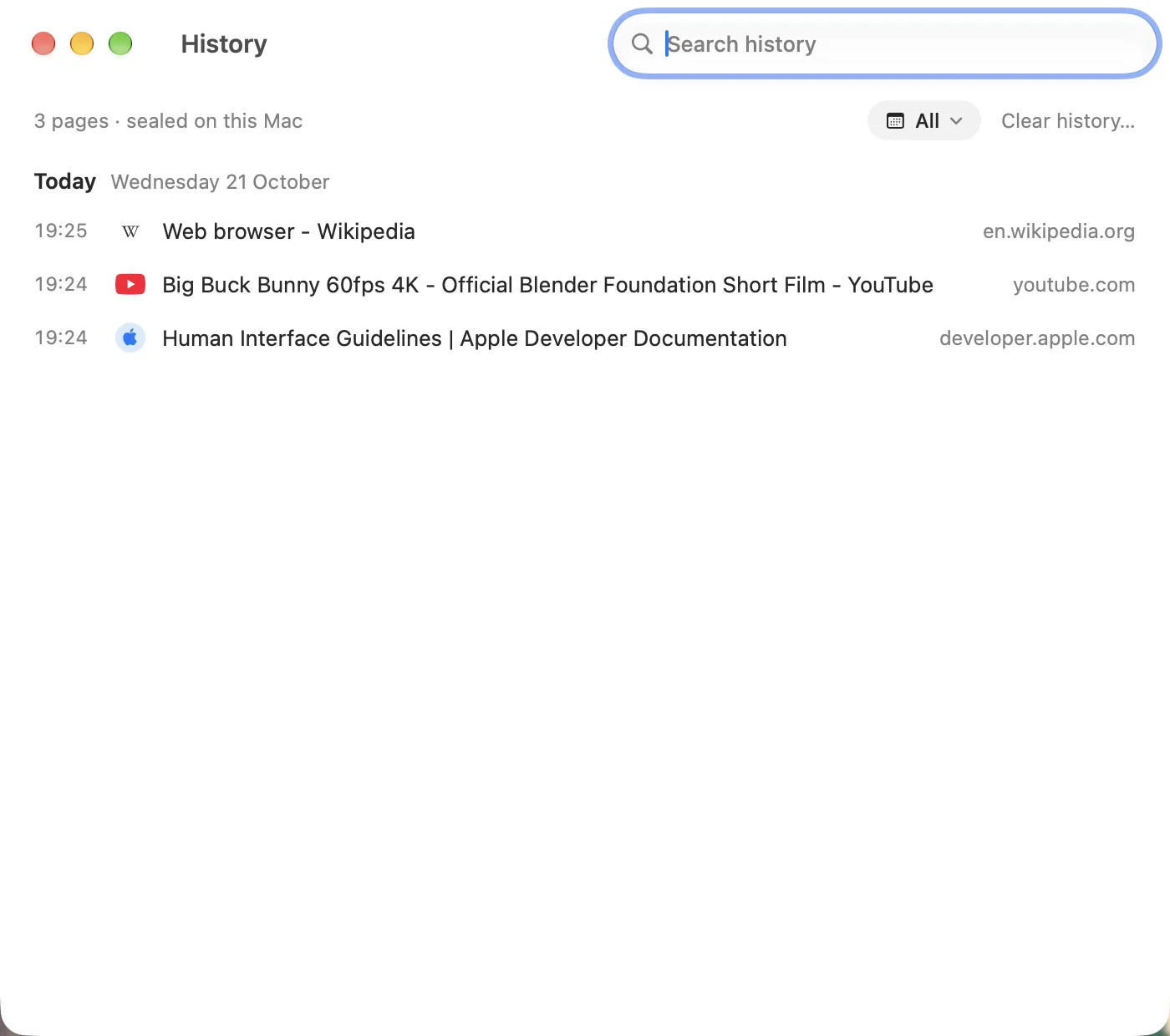
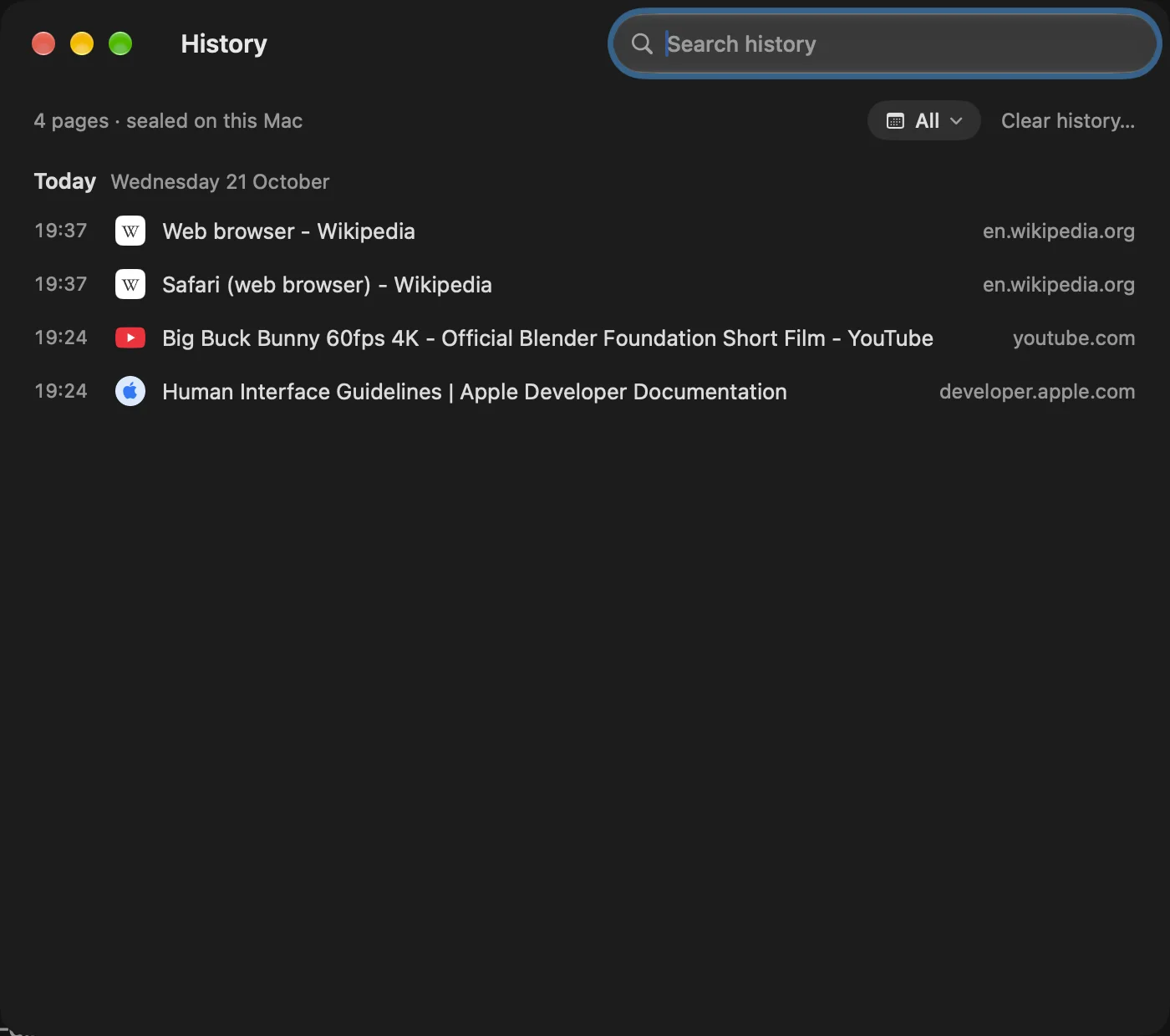
Find a page
On Mac
- Press Command Y or choose History › Show All History.
- Type in Search history, or choose All, Today, This week or This month.
- Double-click a page or press Return to open it, or press Command Return to open it in a new tab.
Right-click a page to delete it, delete everything from its site, or open it in a private tab.
On iPhone
Tap the shield at the left of the address bar, then History. Search at the top. Swipe a page to delete it.
Was this helpful?