

Keep sites signed in with Fireproof
Fireproof sites keep their sign-in when you burn, clear history or quit. Their history still goes.
ROS for iPhone and iPad doesn’t have this yet. These steps are for ROS on a Mac.
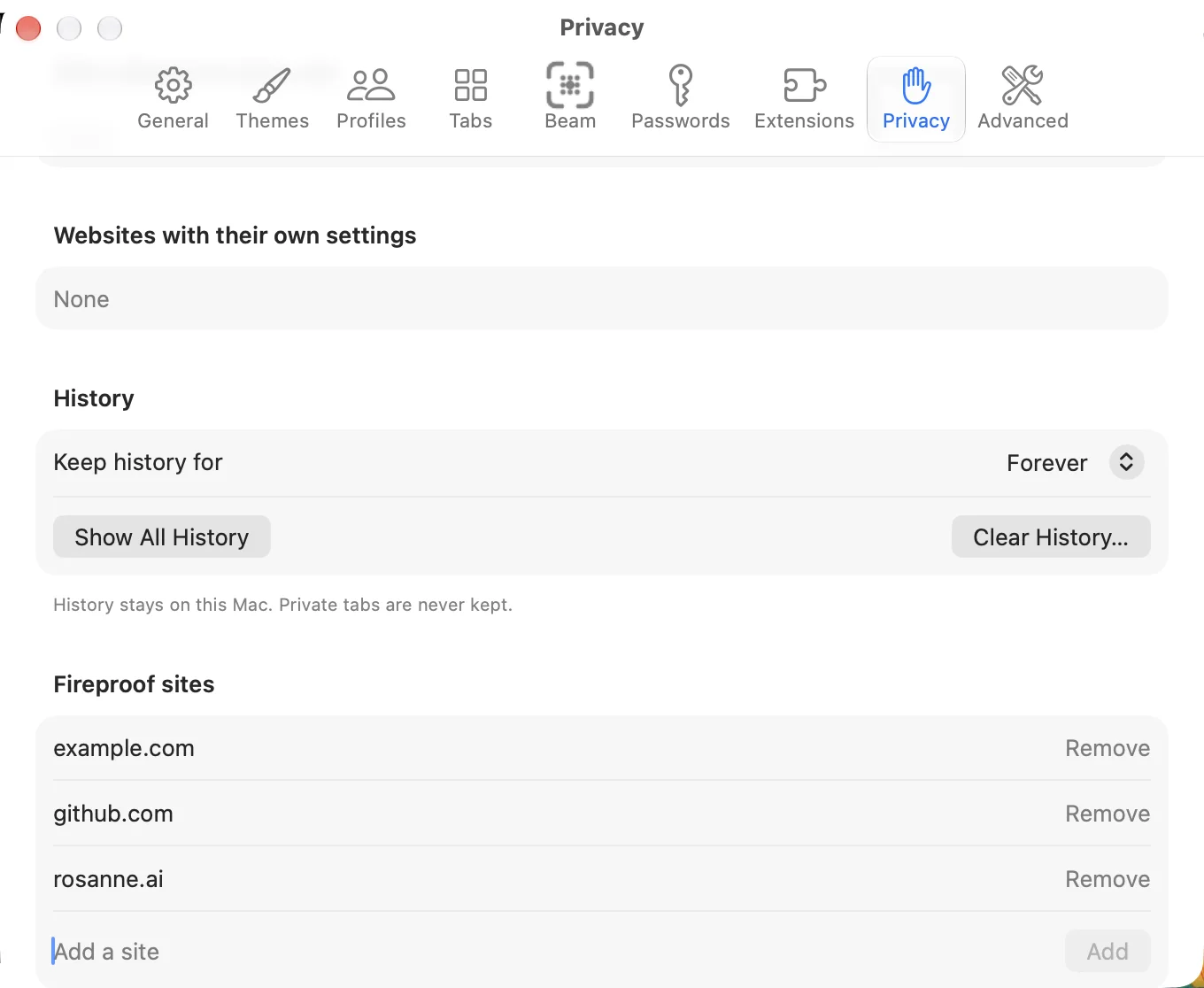
Fireproof a site
- Right-click the site’s tab and choose Fireproof This Site.
- Or open ROS › Settings for This Website… and turn on Fireproof.
- Or type the site under Fireproof sites in Settings › Privacy and click Add.
Stop fireproofing a site
Choose Fireproof This Site again on its tab, or click Remove next to it in Settings › Privacy.
Clear everything else when you quit
Turn on Clear cookies and site data when ROS quits under Stored on this Mac in Settings › Privacy. Every site but your Fireproof ones signs you out when ROS quits.
Was this helpful?