

Organise tabs into groups
Keep work, reading and projects apart. While a group is open, only its tabs show in the sidebar.
ROS for iPhone and iPad doesn’t have this yet. These steps are for ROS on a Mac.
Make a group
- Choose File › New Tab Group, or press Control Command P.
- Type a name and pick a colour.
- Click Create. The sidebar switches to the new group.
Add tabs to a group
- Right-click a tab, choose Move to Group, then the group.
- Right-click a link and choose Open Link in Tab Group.
Switch between groups
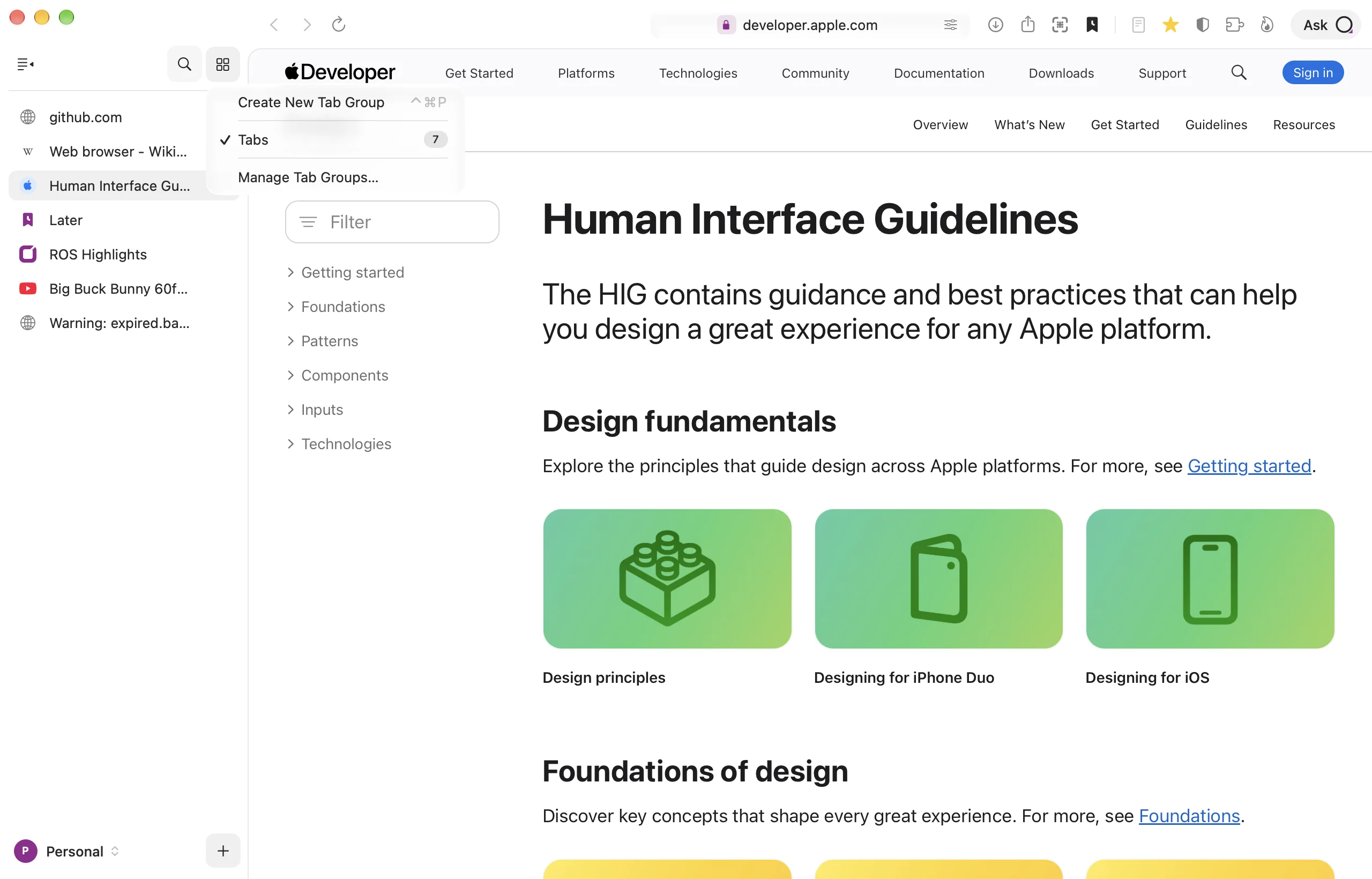
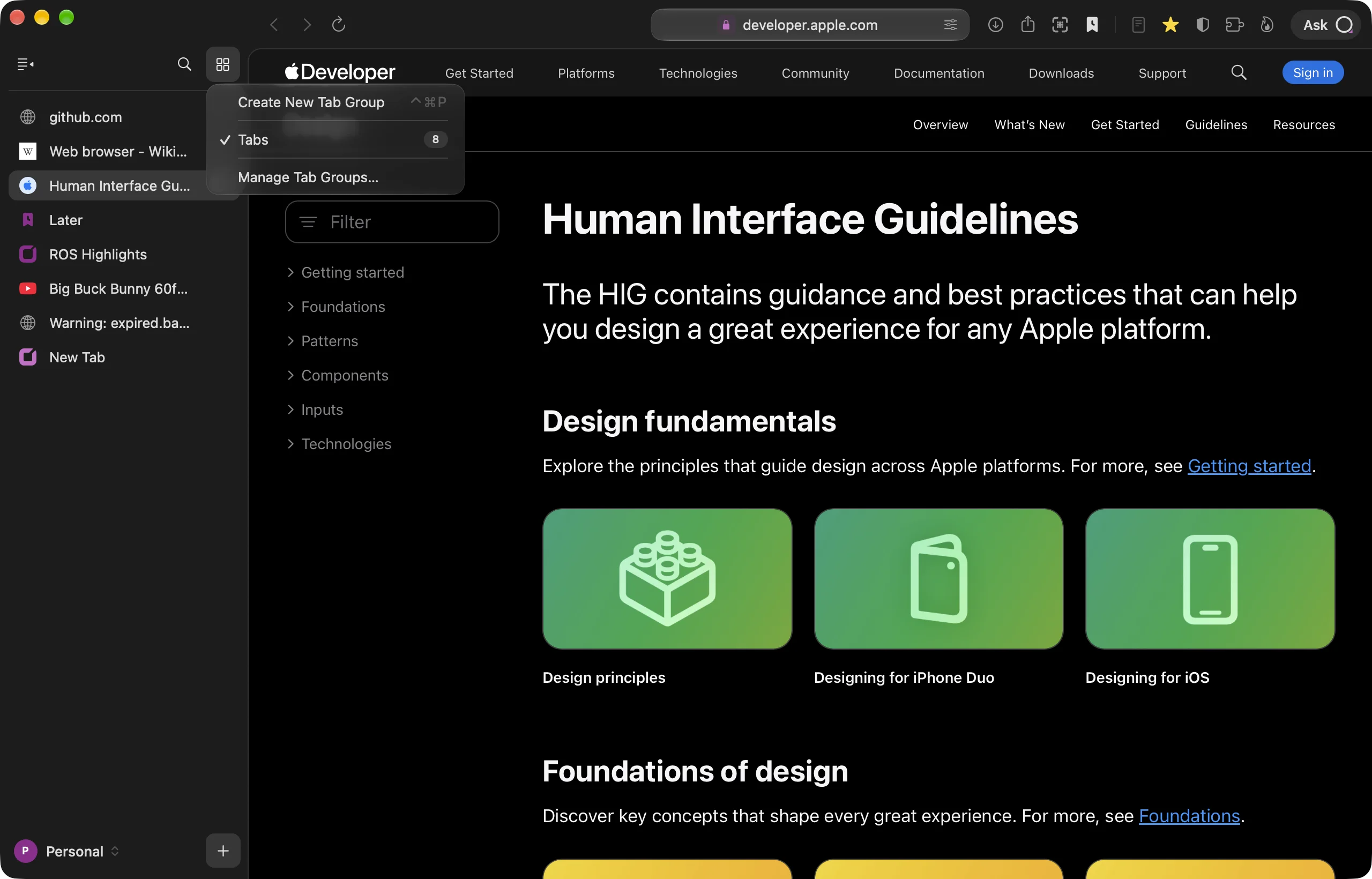
Click the groups button at the top of the sidebar and choose a group, or Tabs for your main tabs.
To rename, recolour or delete groups, choose Manage Tab Groups… from the same menu. Deleting a group moves its tabs back to your main tabs.
Was this helpful?