

Understand certificate warnings
When a site can’t prove who it is, ROS stops and tells you why. Here’s what each warning means.
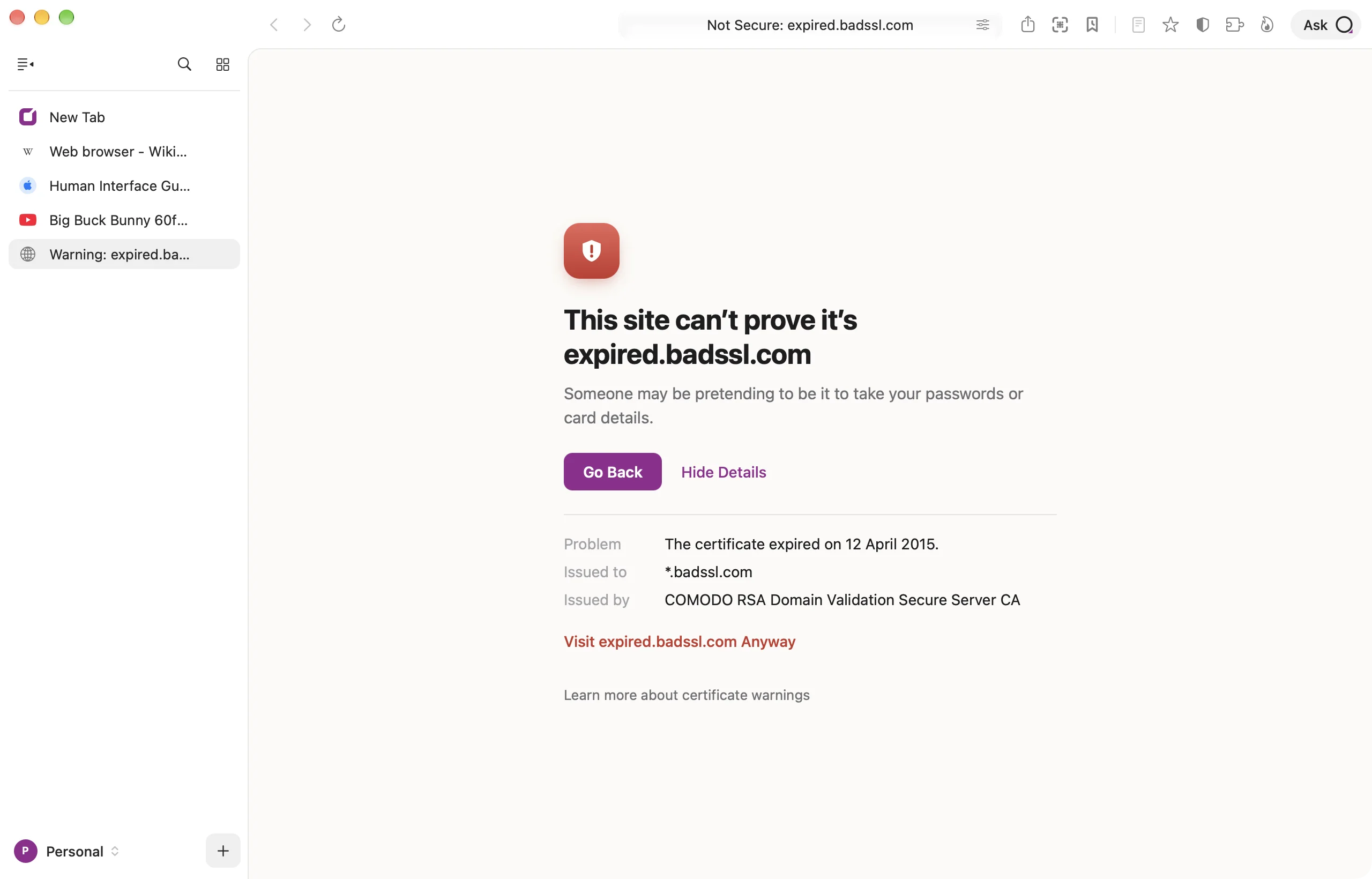
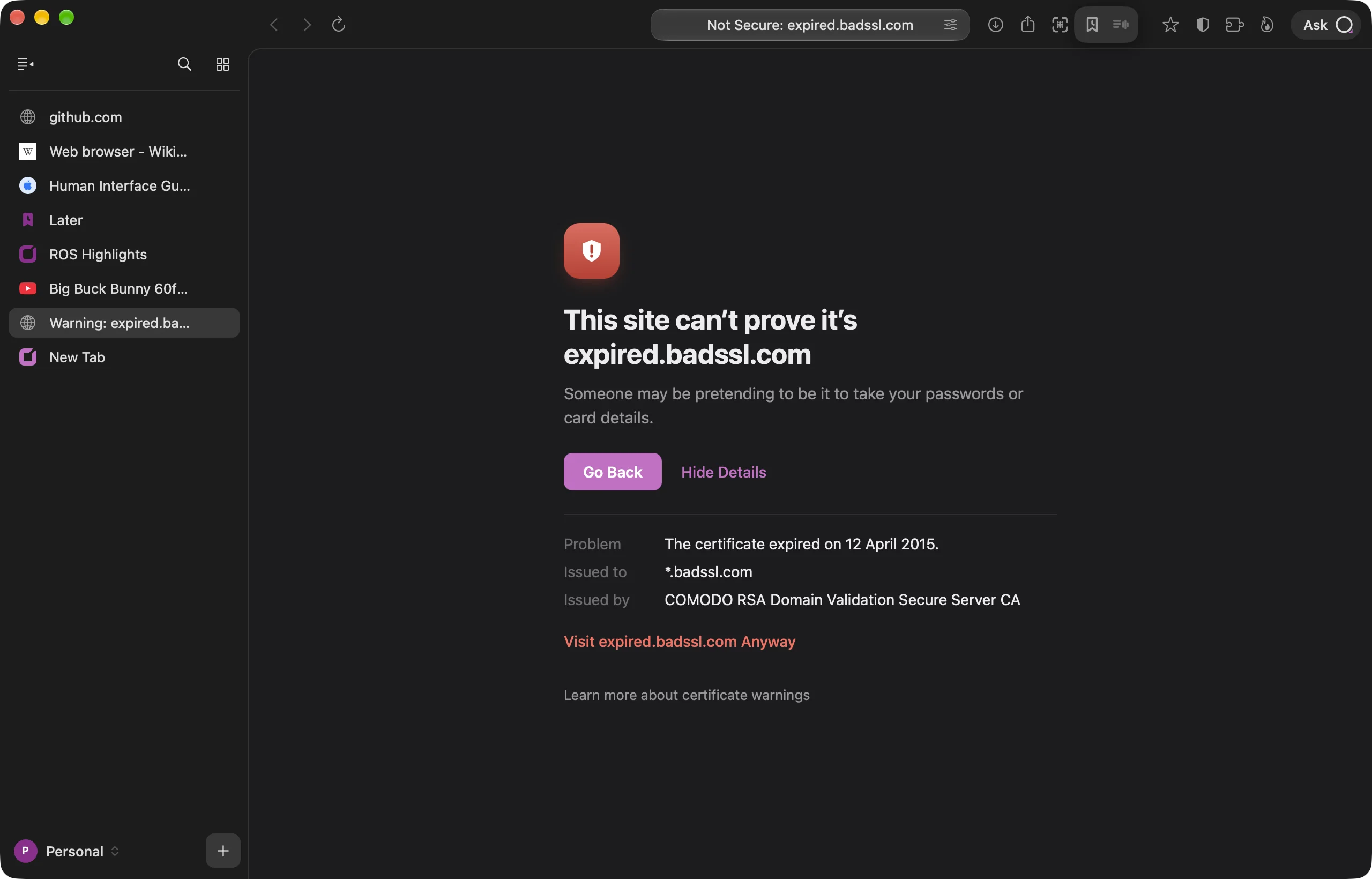
“This site can’t prove it’s …”
Someone may be pretending to be the site to take your passwords or card details. Often it’s simpler: the certificate expired, or it was made for a different site.
On Mac
- Click Go Back. This is the safe choice.
- To see why, click Show Details.
- If you trust the site and the network, you can still visit it from the details. ROS remembers that choice until you quit.
On iPhone
Tap Go Back, or Try Again on another network.
“Only allows secure connections”
Banks and other sensitive sites only allow secure connections, so ROS won’t open them past a warning. It may be the network you’re on: try another one.
“ROS won’t open …”
The site’s certificate comes from a certificate authority ROS no longer trusts, because its keys are known to be compromised. ROS refuses these sites whatever your Mac trusts, and there’s no way past. If it’s a site you use, try again later on another network.
ROS keeps this list itself and can add an authority within hours, without an update.
Sites on your own Mac
Sites you build and run on your Mac, such as localhost and .test addresses, open without certificate warnings.
Report a security problem
If ROS shows a site as secure when it shouldn’t, or a certificate it should refuse gets through, tell us at security@rosanne.ai. Include the site’s address and your ROS version.
Was this helpful?