

Read in Reading mode
The article on its own: no pop-ups, cookie banners or clutter, just the text and its pictures.
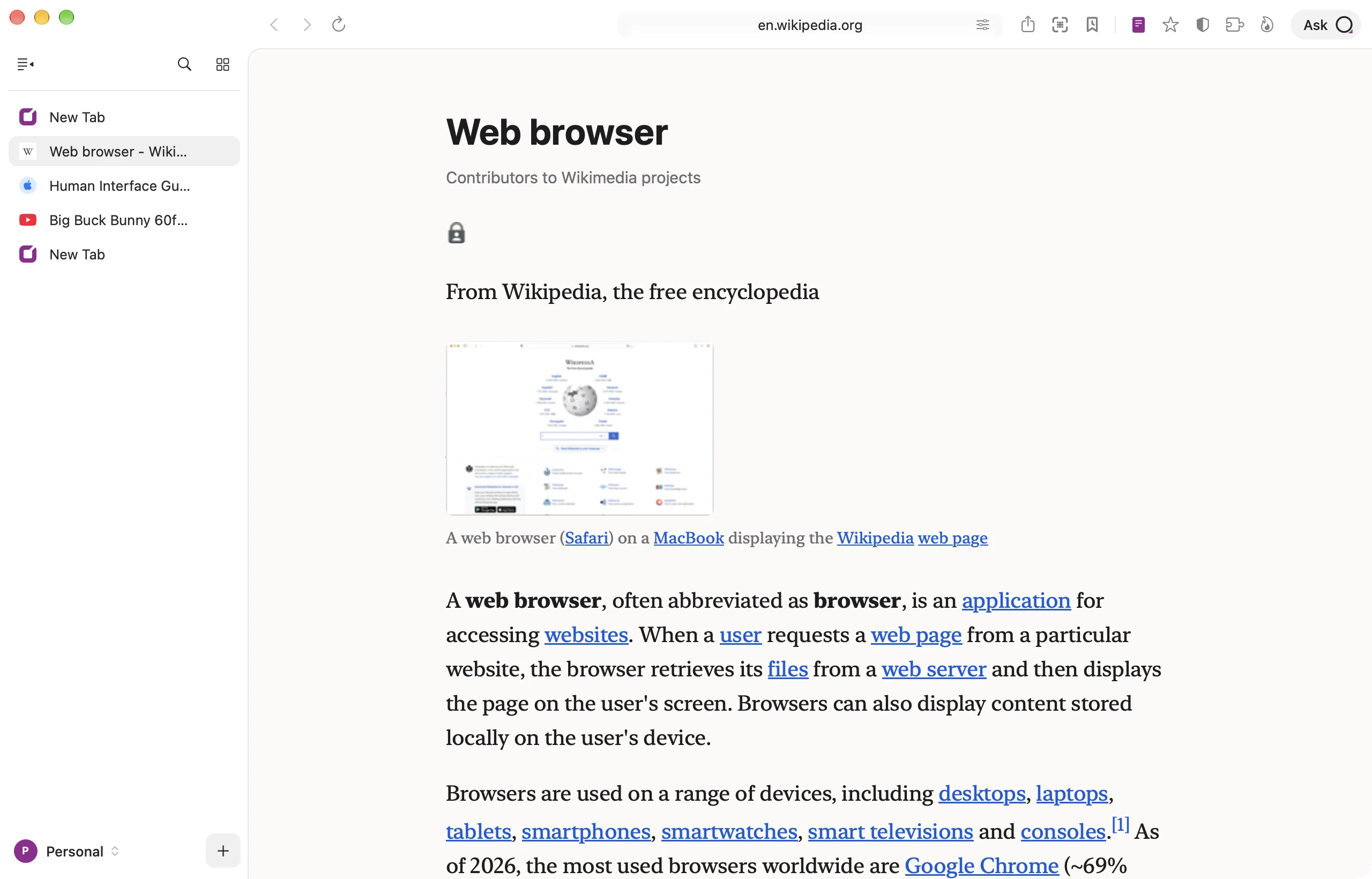
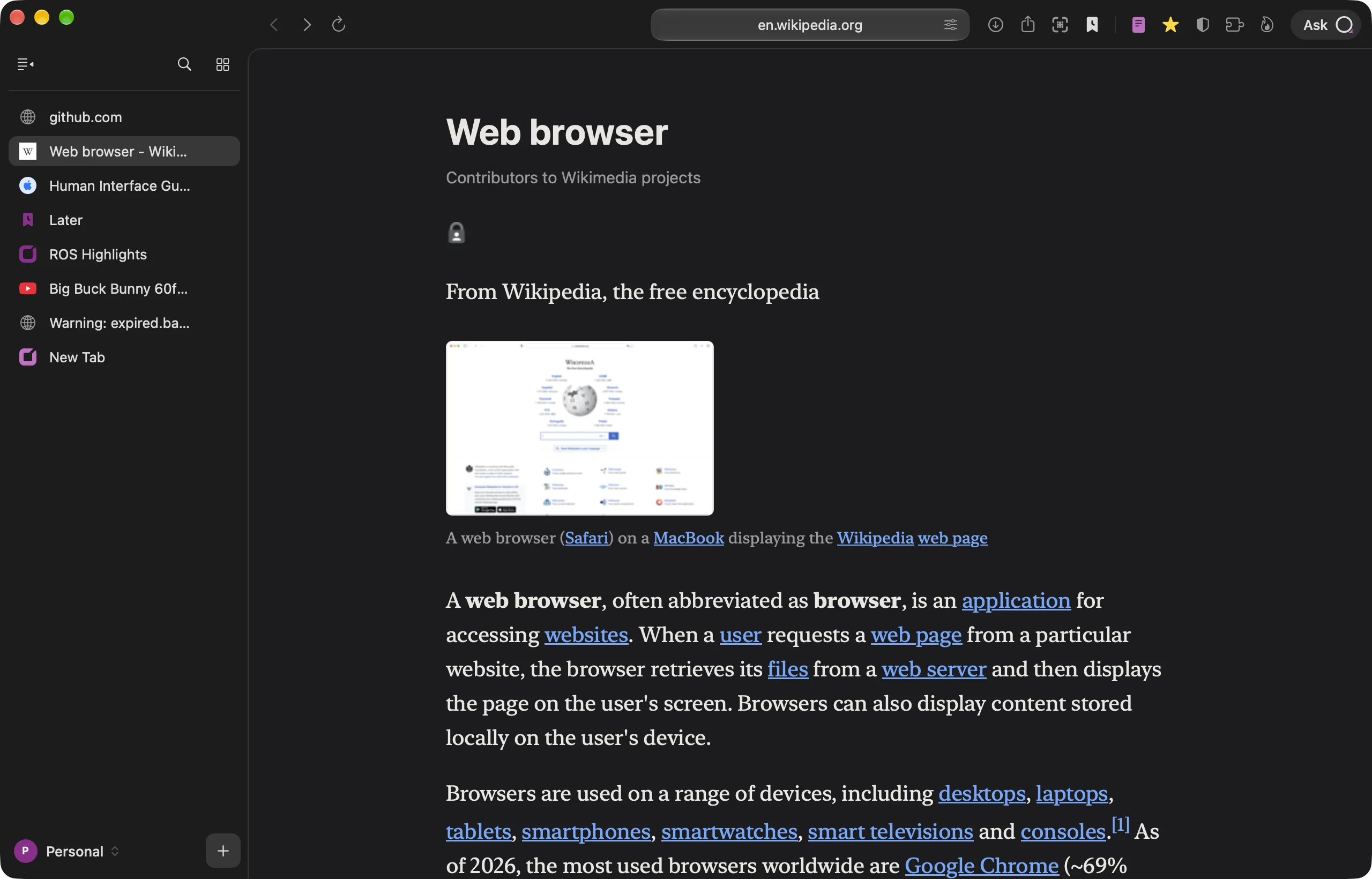
Open Reading mode
On Mac
On an article, press Option Command R, choose View › Reading Mode, or click the Reading mode button in the toolbar. Press Option Command R again to leave.
On iPhone
Tap the Reading Mode button in the address bar. It appears when the page has an article. You’ll also find Reading Mode in the page menu.
If a page has no article, Reading mode isn’t available there.
Always open a site in Reading mode
On Mac
Choose ROS › Settings for This Website… and turn on Open in Reading Mode.
On iPhone
In the page menu, tap Website Settings… and turn on Open in Reading Mode.
Was this helpful?