

Find your way around ROS
Tabs down the side, the address bar on top, and a quiet toolbar. Here is what each part does.
ROS for iPhone and iPad doesn’t have this yet. These steps are for ROS on a Mac.
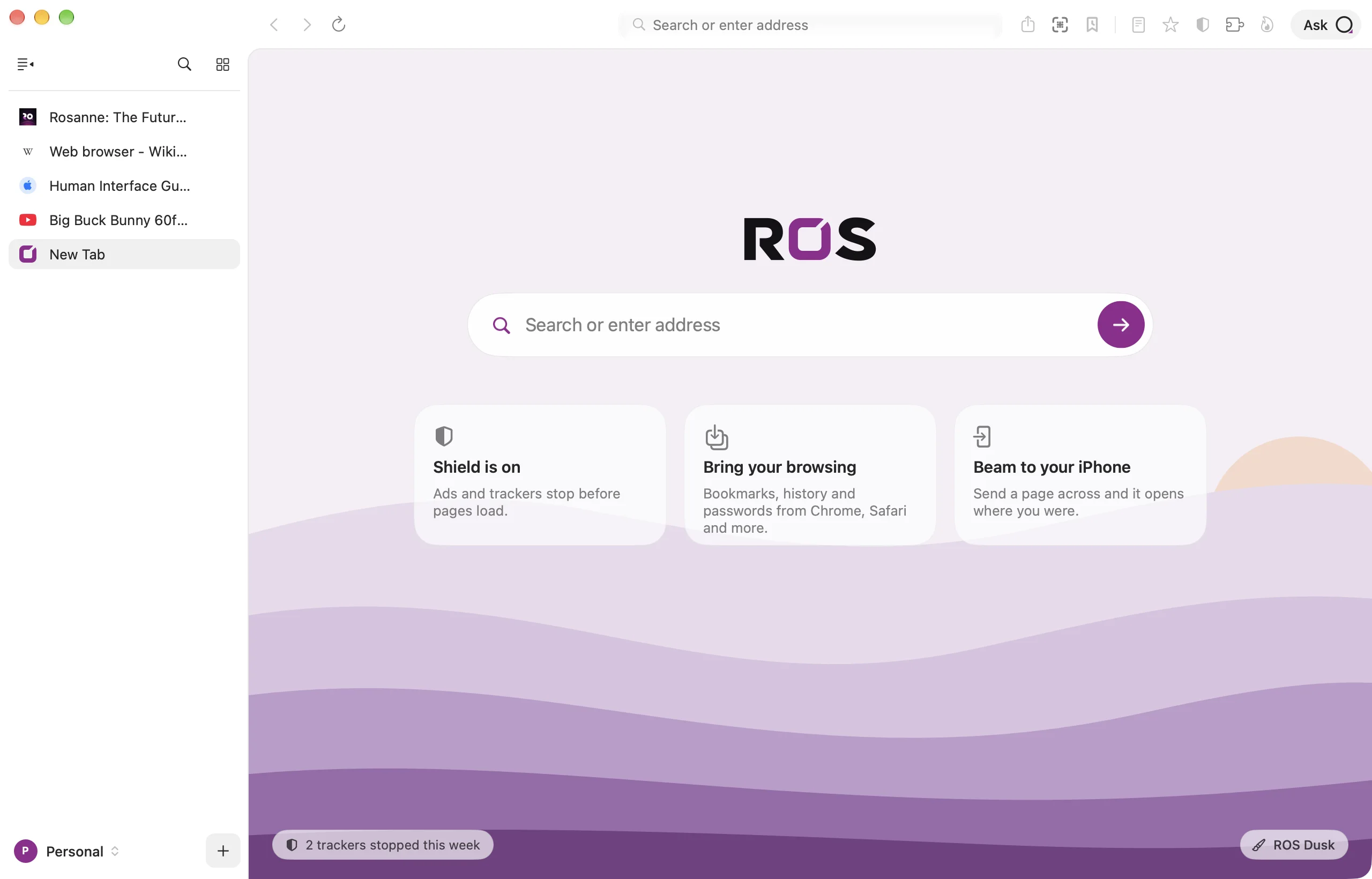
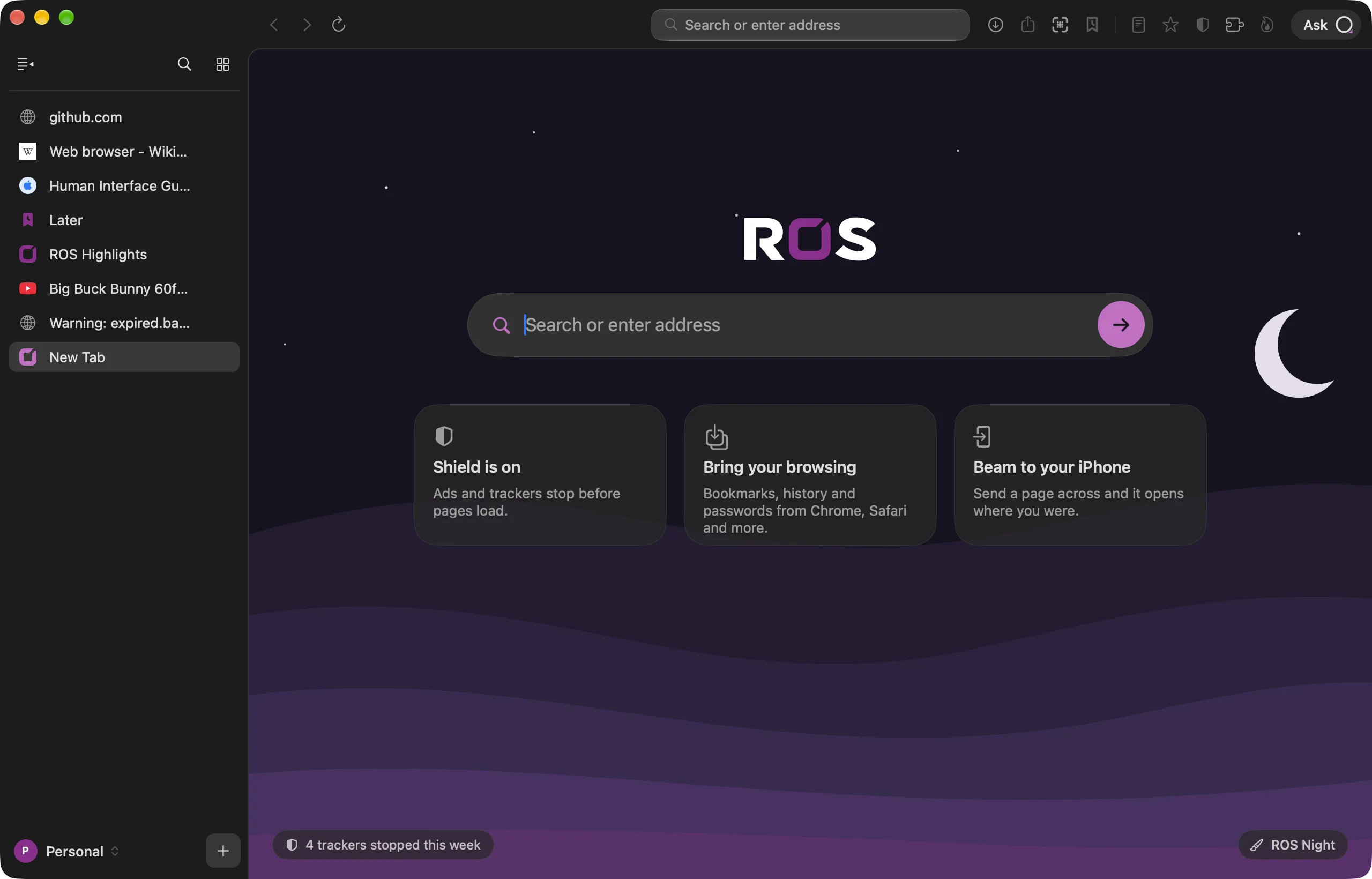
The ROS window
- The sidebar on the left holds your tabs. Your profile button sits at its foot.
- The address bar on top takes a search or an address. The sliders button at its end opens Site Controls.
- The toolbar keeps a few buttons: the Shield, which counts the trackers it blocked; Later, with Listen and Speed folded beside it; Beam; Downloads while you have some; Extensions; and the flame, which burns a site.
The new tab page
A new tab greets you and puts the search field in the middle. Below it you’ll find the sites you visit most, pages you closed today or beamed from your iPhone, and how many trackers ROS stopped this week.
The theme’s name sits at the bottom. Click it to choose another theme.
Was this helpful?