

Control a site with Site Controls
Camera, microphone, sound, Auto Float, Shield and what a site stores, in one place.
Open Site Controls
On Mac
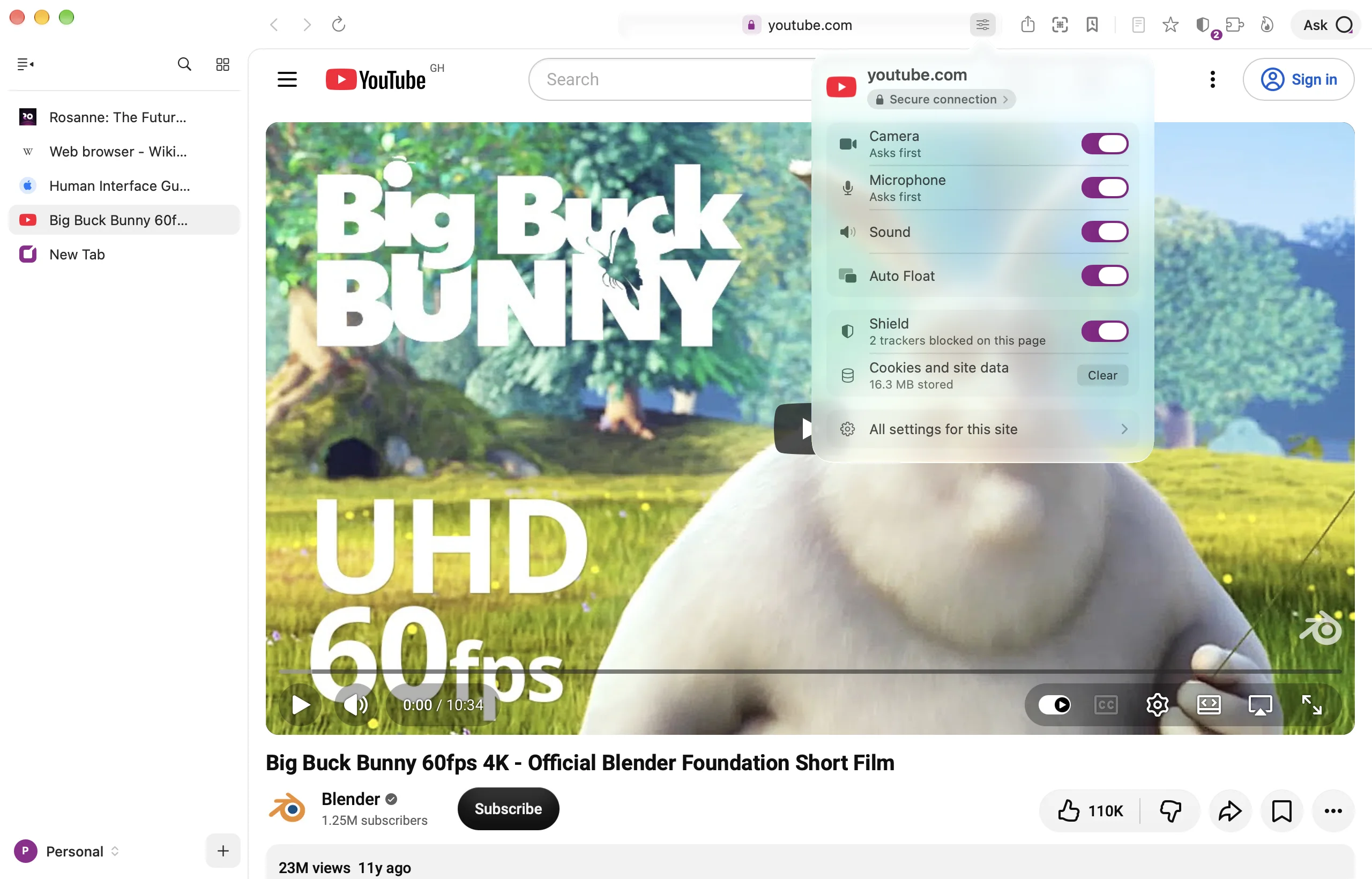
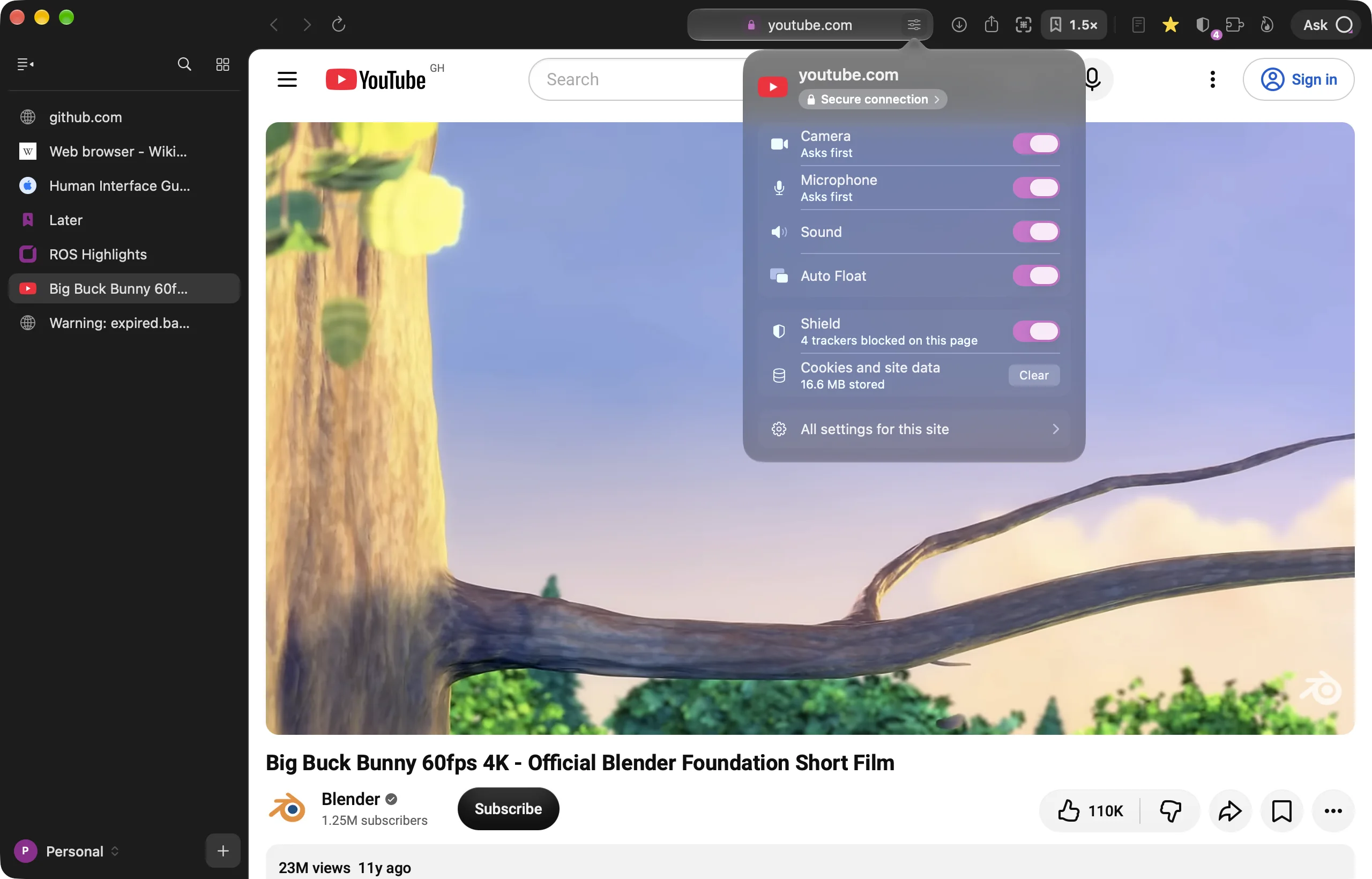
On the site, press Shift Command I, choose View › Site Controls…, or click the sliders at the end of the address bar.
- Camera and Microphone: off blocks them and stops them at once; on lets the site ask.
- Sound: mute the site.
- Auto Float: let its videos and calls float when you switch tabs.
- Shield: block or allow ads and trackers on this site.
- Cookies and site data: see what it stores, and Clear it.
For everything else, click All settings for this site: page zoom, Reading mode, keeping the site awake, Fireproof and Burn.
On iPhone
- Tap the shield at the left of the address bar.
- Tap Website Settings…. Choose Request Desktop Site, Open in Reading Mode, Page Zoom and Block Ads and Trackers, and whether the site may use your Camera and Microphone.
- To erase the site’s history, cookies and data, tap Forget This Site.
When a site uses your camera
An “In use” pill appears in the address bar while the camera or microphone is live, or when the site is muted. Click it to open Site Controls.
Review sites with their own settings
On Mac
Settings › Privacy lists websites with their own settings. Click Reset to clear one.
On iPhone
In Settings, under History, tap Websites. Swipe a site to reset it.
Report a security problem
If a site gets past Site Controls, for example using your camera or microphone after you turned it off, tell us at security@rosanne.ai. Include the site’s address and your ROS version.
Was this helpful?