

Browse privately
A private tab keeps nothing: no history, no cookies after it closes, and nothing extensions can see.
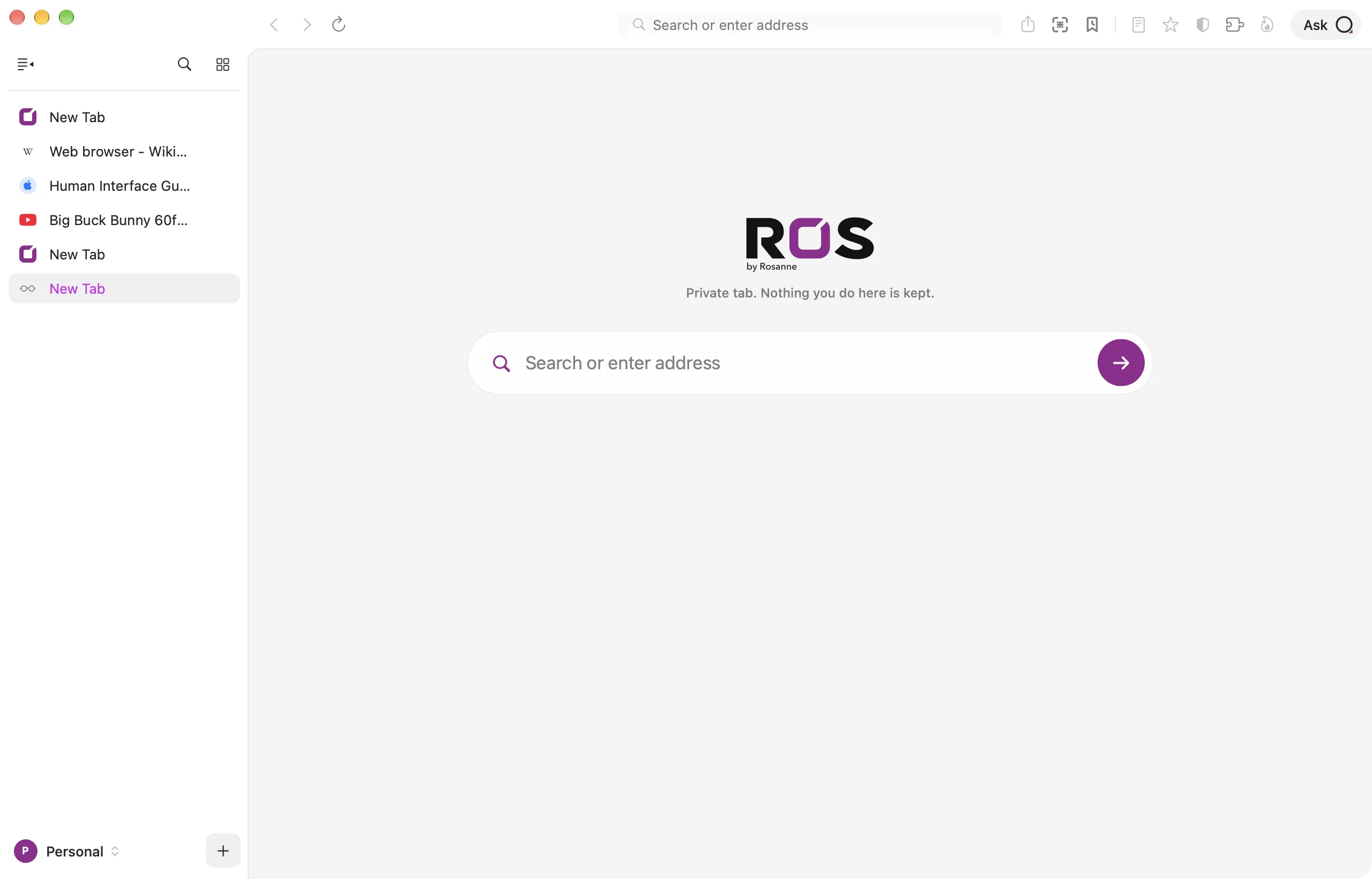
Open a private tab
On Mac
Press Shift Command N or choose File › New Private Tab. To open a link privately, right-click it and choose Open Link in Private Tab.
On iPhone
Touch and hold the Tabs button and tap New Private Tab. In the tab grid, tap Private.
What a private tab keeps
- Each private tab has its own cookies, gone when you close it.
- Nothing goes into your history, Recently Closed or your saved tabs.
- Extensions never see private tabs.
- Choices you make for a site, such as allowing ads, last only as long as the tab.
- Downloads still save to your Downloads folder, but they aren’t listed.
Was this helpful?