

Keep ROS up to date
ROS updates itself and installs the new version when you quit. You can also check now.
ROS for iPhone and iPad doesn’t have this yet. These steps are for ROS on a Mac.
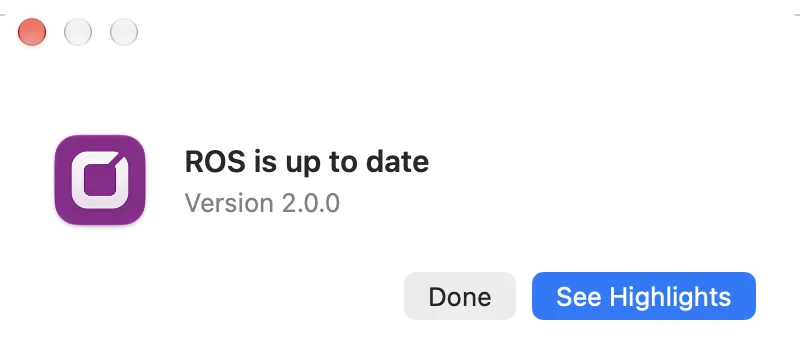
Check for updates
- Choose ROS › Check for Updates….
- If a new version is ready, click Update. ROS downloads it and checks it before it installs anything.
- Click Restart ROS to use it now, or keep browsing: it installs when you quit. Your tabs come back.
Update automatically
Update automatically is on from the start, in Settings › General. ROS checks about twice a day while it’s open.
If ROS says it can’t update itself, move it to your Applications folder, or download the newest version from rosanne.ai/download.
Was this helpful?