



Agentic web browser
Private by design. Agents on the way.
ROS is a fast, private browser for Mac, built on WebKit, with iPhone in beta. Trackers are blocked from the start, your history stays on your device, and Rosanne’s agents are coming soon.
- ShieldTrackers blocked before pages load
- TabsDown the side, and they sleep
- SnapshotAny page, or any part of it
- AskRosanne, coming soon
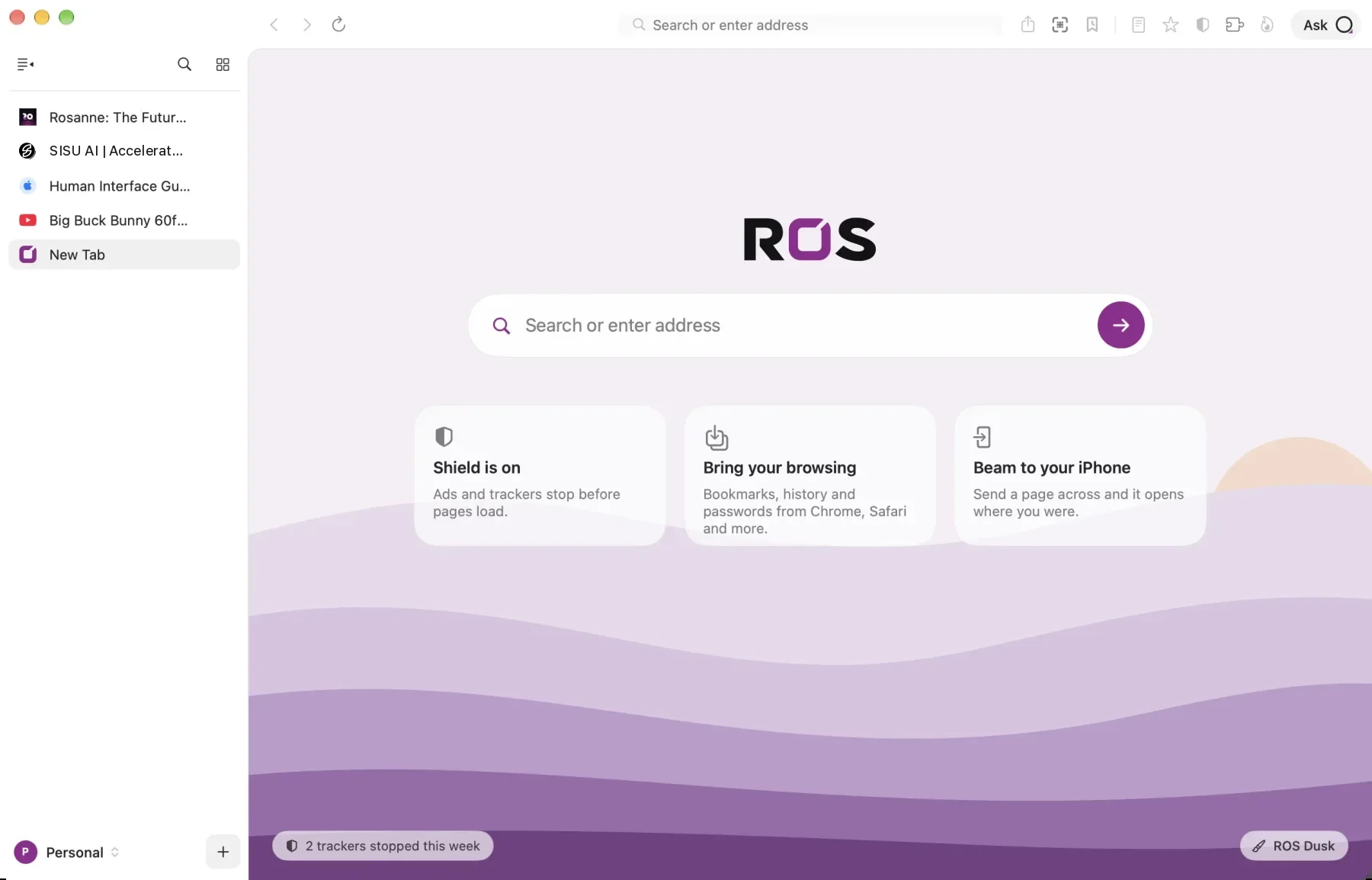
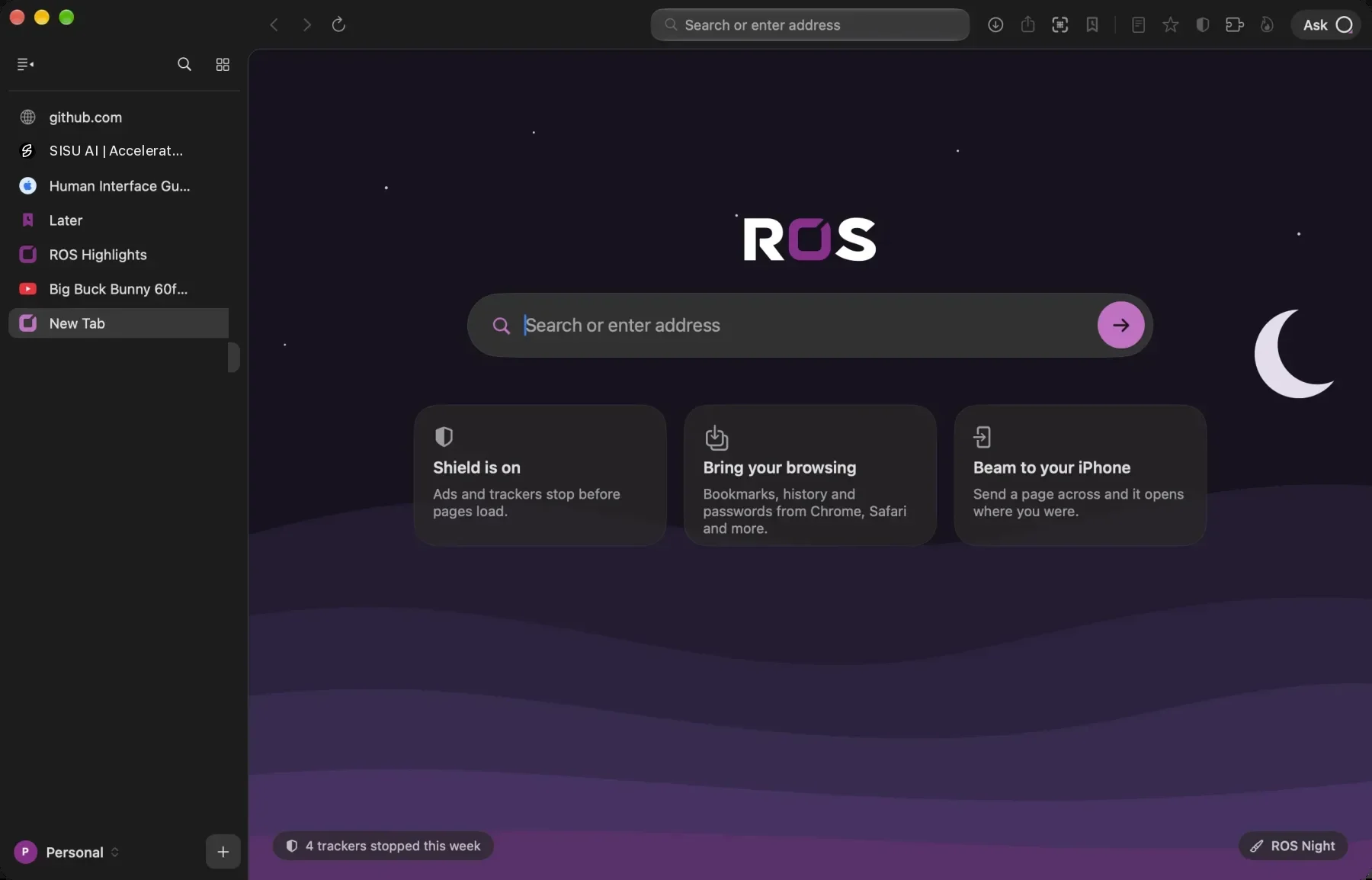
The new tab page
Every tab starts somewhere beautiful.
Search or go anywhere from the first second, your sites and a few useful cards beneath, over a theme you choose.
What ROS does
Fast, private, and quietly clever.
Everything here is in ROS 2.0 today on a Mac, and in the iPhone beta.
Ads and trackers, blocked
The Shield stops ads and trackers at the network level, before the page draws, and strips tracking codes from every link.
Yours, on your device
History, tabs and bookmarks are sealed with AES-256 on your device. No account, no sync, no telemetry.
Tabs that work for you
Tabs down the side, tab groups, search across every tab, and tabs that sleep to give memory back.
The ROS Extension Store
Every extension is reviewed, built from public source and signed by ROS, and shows a privacy label.
Reading Mode
The article on its own: pop-ups, cookie banners and scripts left out, rebuilt from safe, simple text.
Snapshot
Capture the page you see, the whole page, the window, or just the part you drag over.
What’s new
What’s new in ROS 2.0.2. Out now on Mac.
ROS updates itself, or choose ROS › Check for Updates to get it now.
Peek
Shift-click a link to open it in a card over the page, then keep it or close it.
Auto Float
Videos and calls keep playing in a floating card when you switch tabs. Off until you turn it on.
Site Controls
Camera, microphone, sound, Auto Float, Shield and site data, set for each site in one place.
Shortcut: Shift, Command, I
Leak check
ROS checks your saved passwords against known leaks once a day and tells you when one turns up.
Smart Downloads
Tidy messy download names, with Undo, and Free up space. Never in private tabs.
An address bar that answers
Unit conversions as you type, Switch to Tab, and a surer call between a search and a site.
Faster to open
ROS opens at once and loads each tab when you open it. Downloads, History and Bookmarks are redesigned.
Beam, confirmed
Pairing a device shows a matching code on both screens before anything is shared.
ROS for iPhone, in beta
The same private browser, in your pocket.
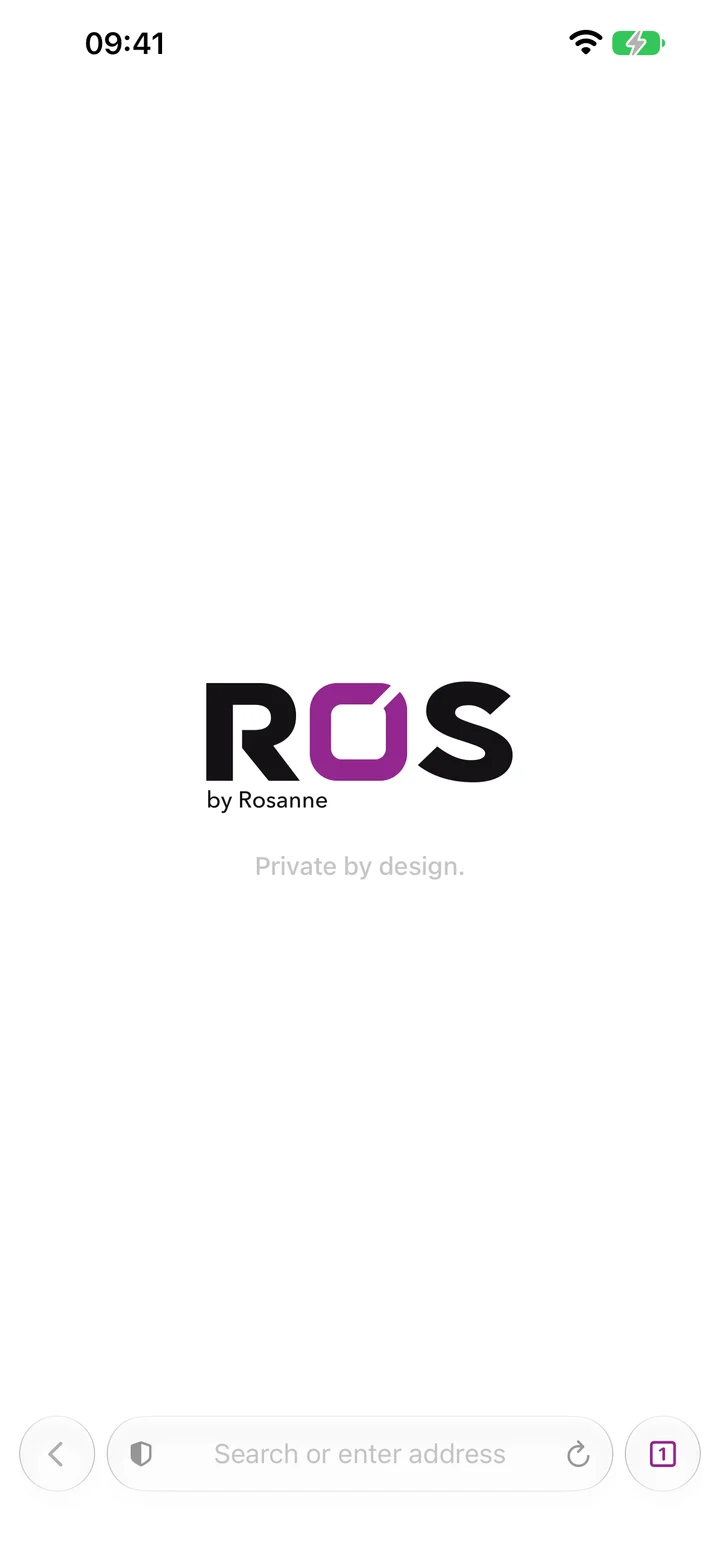
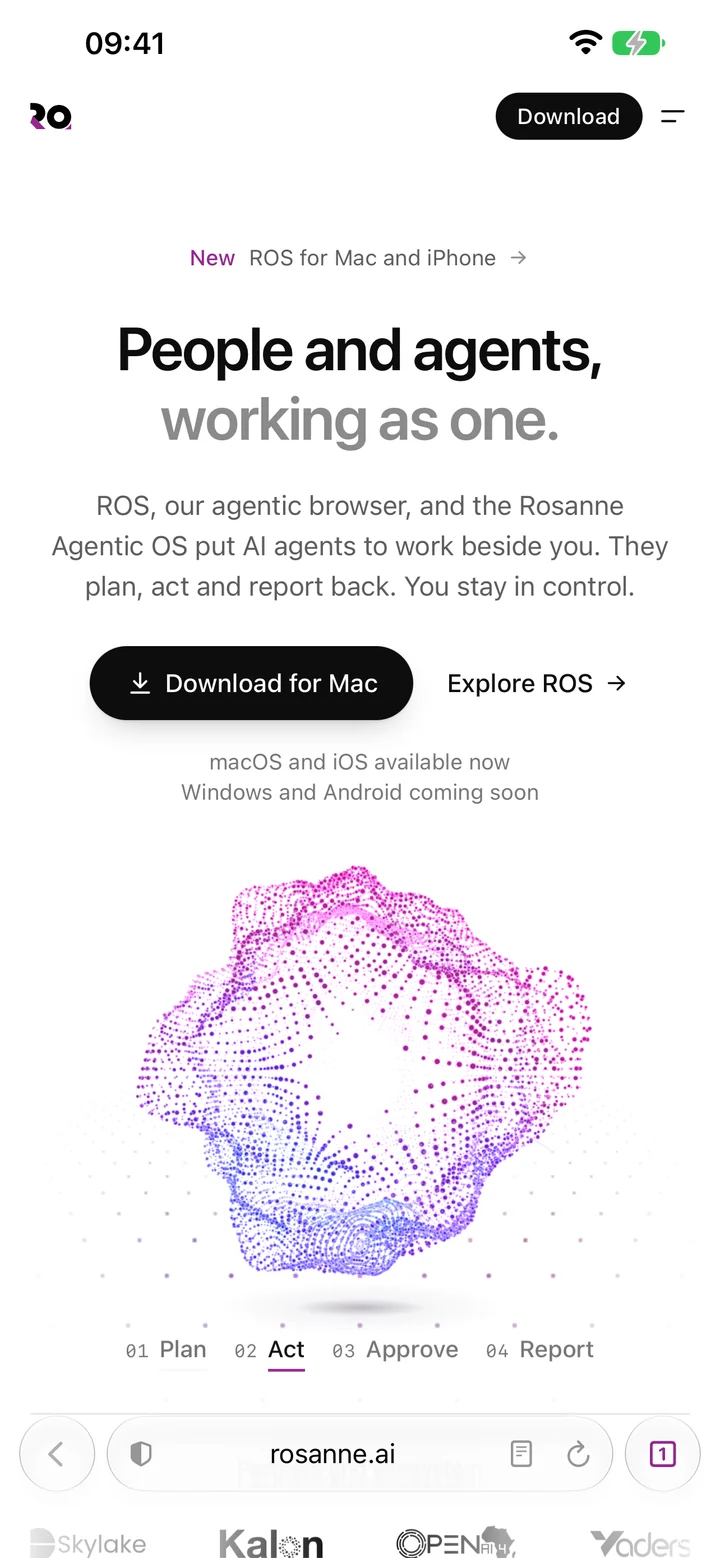
Built natively for iPhone and in beta testing now. The page runs edge to edge under a floating Liquid Glass bar, with the same Shield, passwords and extensions as on the Mac.

Ask Rosanne
Ask anything, right where you are.
Coming soon
Agents are coming to ROS. Ask in plain language, and Rosanne will browse, read, compare and summarise across your tabs, then finish the task. The Ask panel is already in ROS, waiting.
It will ask first
Before an agent submits a form, sends a message or takes any important action, it will ask. You approve the step, or skip it.
It will show its sources
Research will come back with sources you can open, so you can check the work before you use it.
It will keep a clear history
Every task will have a clear home and a clear record of what was done.
ROS 2.0, on Mac now.
ROS for iPhone is in beta testing. Windows and Android are coming soon.