

Pair a device for Beam
Pair once by scanning a code. After that, pages arrive in a tap.
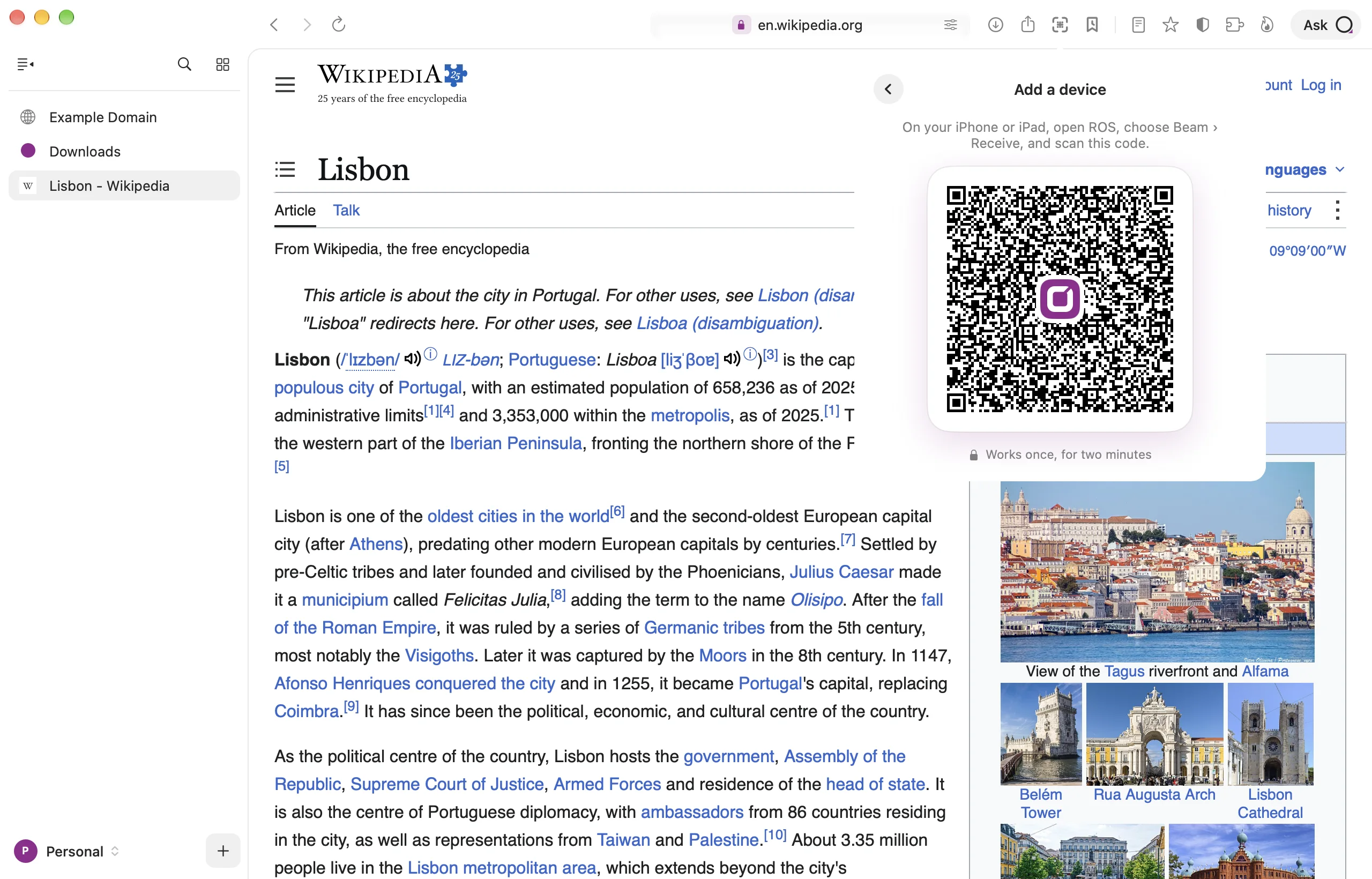
Pair your iPhone and Mac
- On the Mac, click Beam, then Add a Device. A code appears.
- On the iPhone, open ROS, tap the shield at the left of the address bar, then Beam, then Receive, and point the camera at the code.
- Check that both screens show the same code, then tap Pair.
You can also start on the iPhone: Beam › Send › Add a Device, then hold its code up to your Mac’s camera from Beam › Receive.
Remove a device
On the Mac, open Settings › Beam and click Remove next to the device.
Was this helpful?