
Introducing ROS. Private by design, with agents on the way.
3 min read
On this pageWhy we built a browser
Today we are introducing ROS, Rosanne’s web browser for Mac and iPhone. It is fast and quiet, it keeps what you do on your device, and it is where Rosanne’s agents will live.
Why we built a browser
Most of a working day now happens in a browser. We wanted one that respects that: one that opens the moment you click it, stays out of the way, and treats what you do as yours.
ROS is built on technology made for modern-day browsing, and it is private by design. There is no account to create and nothing to sign in to. ROS sends us no telemetry: the only things that leave your device are the pages you ask for and their icons.
Private by design
Privacy in ROS is not a setting you go looking for. It is how the browser works from the first page you open.
- The Shield. Ads and trackers are blocked at the network level, before the page draws. It is on from the start, and one click lets a site through if blocking ever breaks it.
- Clean links. Tracking codes such as
utm_,fbclidandgclidare stripped from every address you visit. - HTTPS first. Plain addresses are tried over a secure connection, and fall back only if that fails.
- Private tabs. Each one has its own cookie jar that disappears when the tab closes, and nothing goes into history.
- Sealed on your device. History, open tabs, bookmarks and site settings are encrypted with AES-256, using a key made on your device and kept in its Keychain.
A calmer way to work with tabs
Tabs run down the side, as a slim rail of icons or a full list, so long titles stay readable and the page gets the width.
- Tab groups keep each project’s tabs together, and come back at launch.
- Search Tabs finds any open tab, in every group and every window, from a few letters of its title or address.
- Sleeping tabs. Tabs you have not looked at for 30 minutes give their memory back, and wake where you left them.
- Recently Closed brings back a tab, or a whole window, exactly where it was.
Every tab starts somewhere beautiful
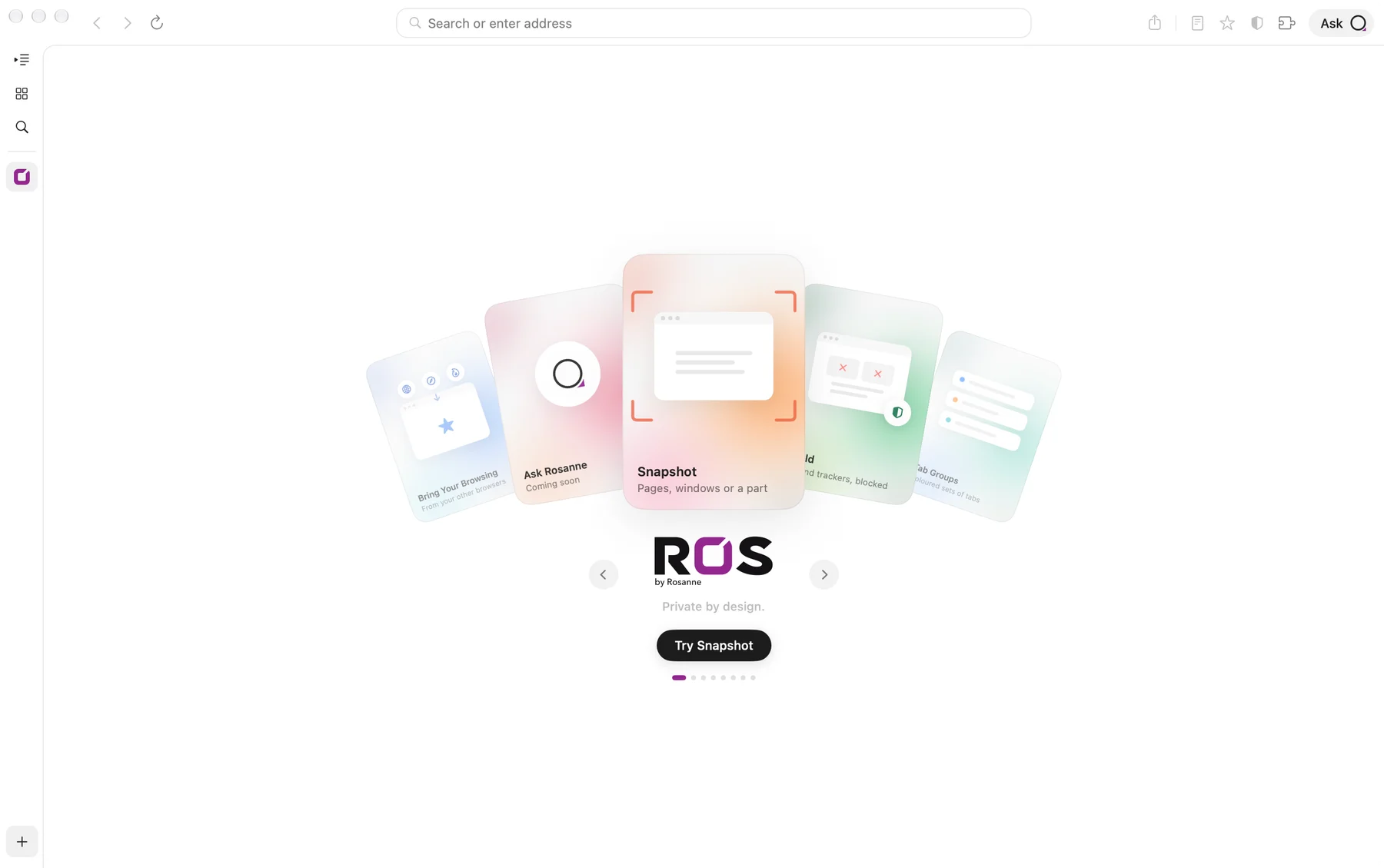
A new tab in ROS opens on a close hand of cards, one for each thing ROS can do, each a small drawn scene over a soft glow of its own colours. It is a quiet way to discover the browser, and it costs almost nothing to draw.
The small things, done well
- Snapshot captures the page you see, the whole page, the window, or just the part you drag over, with no Screen Recording permission needed.
- Reading Mode gives you the article on its own, rebuilt from safe, simple text, with pop-ups, cookie banners and scripts left out.
- The ROS Extension Store. Every extension is reviewed, built from public source and signed by ROS, and shows a privacy label. ROS searches the whole catalog on your device.
- Passwords live in your Keychain, fill only on secure pages after Touch ID, and come with strong suggestions, two-factor codes and a check for leaked passwords.
- Copy Clean Link copies an address without the codes sites add to track where you came from.
On iPhone, too
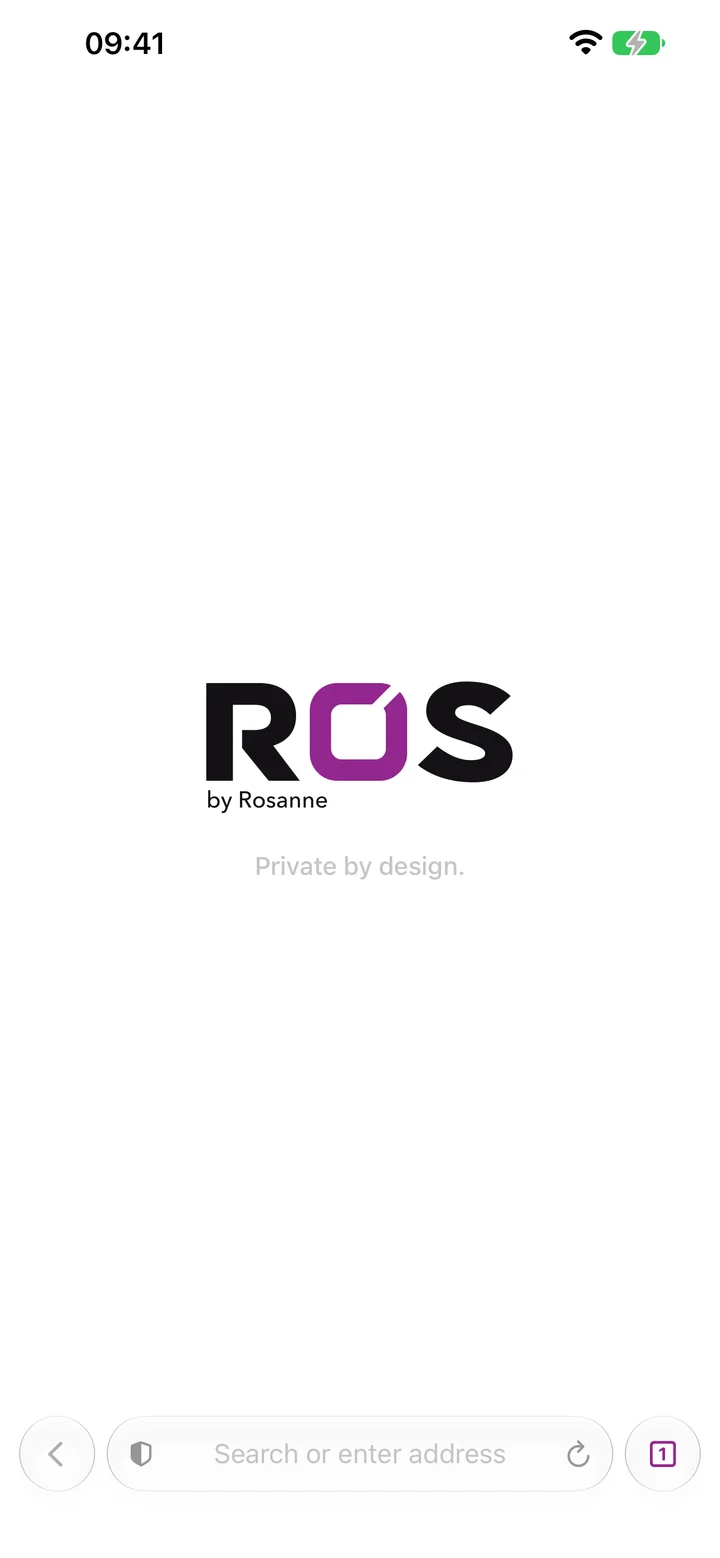
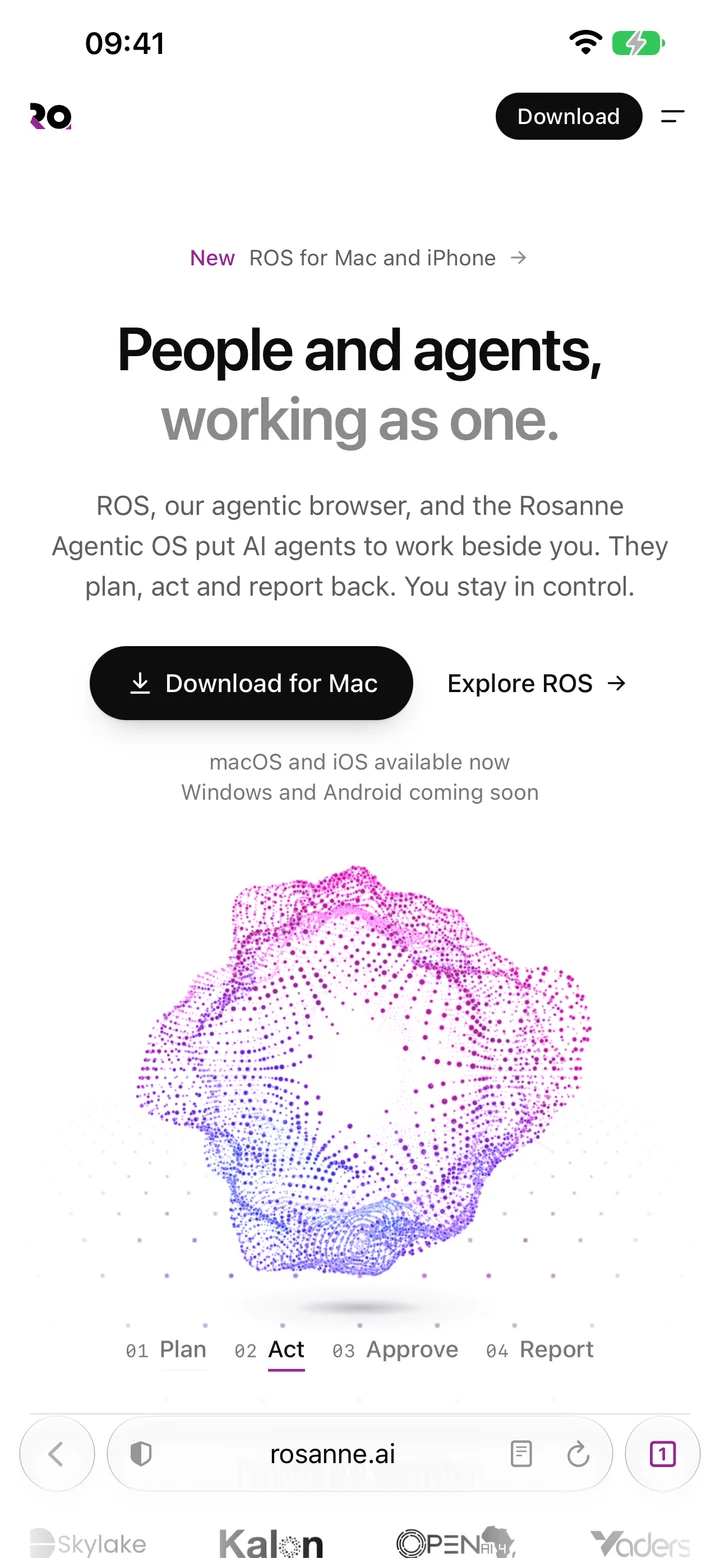
ROS for iPhone is built natively and shares its engine with the Mac. The page runs edge to edge under a floating Liquid Glass bar, with the same Shield, the same passwords and the same extensions, and the same encryption on the device.
ROS for Windows and Android is coming soon.
What comes next
ROS 1.0 already has a home for Rosanne’s agents. Press Ask at the end of the toolbar and a slim panel opens beside the page, with Rosanne’s liquid orb and two words: Coming soon.
When agents arrive, you will ask in plain language, and they will browse, read, compare and summarise across your tabs, then finish the task. Anything important will wait for your approval. Before they ship, we will say exactly what they send and why.
A browser that is yours first, and helpful second. Agents will build on that, not around it.
Get ROS
ROS 1.0 is available now for Mac and iPhone, and Windows and Android are coming soon. ROS keeps itself up to date: it checks twice a day and installs a new version when you quit, never in the middle of your work.
Download ROS, or read the release notes for ROS 1.0.
More from the blog
The Agentic OS. A new era of search and advanced automation.
Search gave everyone a way to find things. The Rosanne Agentic OS is built for the step after: say what you need, and agents find it, act on it and report back.
Read the postA browser built for edge intelligence.
The most useful intelligence in a browser is the kind that never has to leave your device. How ROS does its work on your Mac and iPhone.
Read the post